

Good photos are not about fancy cameras or photography skills. They are about clarity and trust. Many businesses upload photos to their Google Business Profile without thinking about what those images actually show or how they make customers feel. As a result, photos quietly hurt trust instead of building it.
Before someone reads reviews or visits a website, photos shape their first impression. They help people decide whether a business looks real, active, and worth contacting. Google also pays attention to photos as engagement and relevance signals, especially when profiles are compared side by side.
The good news is you do not need expensive equipment to get this right. Simple changes in lighting, angles, and timing can dramatically improve results. This guide explains practical, easy steps to take photos for google business that build confidence, set clear expectations, and support long-term visibility without risk.
Photos are often the first thing customers notice when they find a business on Google. Before they read reviews or click a website, they scan images to decide whether the business feels real and trustworthy. Clear photos reduce uncertainty. People can quickly understand what the place looks like, what services are offered, and what to expect when they arrive.
Poor photos do the opposite. Dark, blurry, or outdated images quietly lower clicks, calls, and visits without obvious warnings. Customers hesitate when visuals feel confusing or misleading, even if everything else on the profile looks fine.
Google also pays attention to photo quality and freshness. Profiles that look active and accurately represented send stronger trust signals than profiles filled with old or generic images. This approach builds on Google Business photo optimization principles explained in earlier guidance, where accuracy and consistency matter more than polish.
Google does not expect professional photography. It looks for photos that are real, recent, and relevant to the business. Images should reflect what customers will actually see when they visit or use your service. When photos match reality, trust builds naturally.
There is also a difference between user photos and business photos. Customer-uploaded images add authenticity and show real experiences. Business-uploaded photos help provide clarity and set expectations. Google considers both when evaluating how accurately a business is represented.
Consistency matters more than perfection. A steady flow of clear, honest photos sends a stronger signal than one polished upload followed by months of inactivity. Photos support trust signals by reinforcing accuracy and engagement, but they do not guarantee rankings on their own.
Good photos do not require expensive gear. Most businesses already have everything they need to take clear, trustworthy images. The goal is accuracy and visibility, not studio-level results.
Modern smartphones are more than enough for Google Business photos. They handle lighting, focus, and color well when used correctly. Start by cleaning the camera lens. A quick wipe removes smudges that cause blur and dull colors.
Use natural light whenever possible and hold the phone steady. Avoid digital zoom, which lowers image quality, and skip heavy filters that change how the space or product looks. Simple, clear photos perform better than edited ones because they match real-world expectations.
Professional photos can help in certain cases, such as storefronts, hotels, restaurants, or medical offices where first impressions matter strongly. Even then, one good professional shoot every year or two is usually enough.
Everyday updates should still come from real, current photos. This balance keeps the profile accurate without over-investing in production.
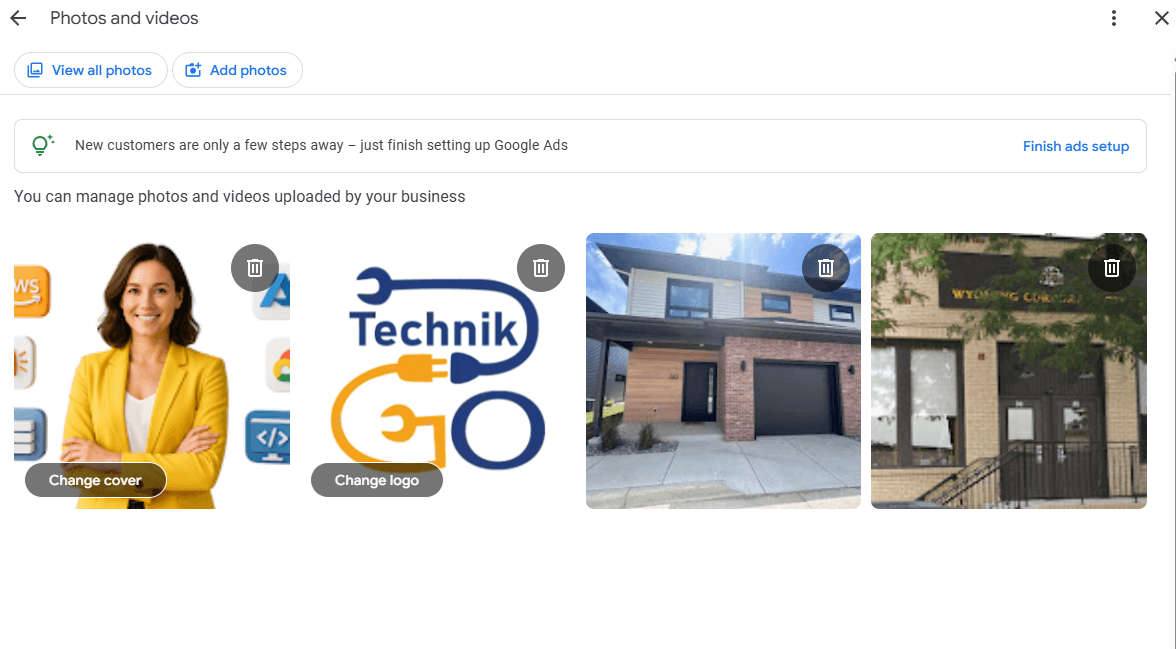
Exterior and interior photos help customers recognize your business and feel confident about visiting. These images reduce confusion and set clear expectations before someone arrives.
Exterior photos should make it easy to identify the location. Show your signage, entrance, and surrounding area clearly so customers know they are in the right place. Take photos from the same angle a customer would see when walking or driving up.
Lighting matters. Early morning or late afternoon usually provides softer light and fewer harsh shadows. Avoid shooting at night unless the business operates after dark and is well lit. Clear exterior photos reduce missed visits and frustration.
Interior photos should show clean, uncluttered spaces. Tidy the area before taking photos and remove distractions that do not represent normal operations.
Show the scale and layout honestly. Wide shots help customers understand space and seating, while detail shots highlight important areas. Avoid extreme angles that make spaces look larger or smaller than they really are.
People trust people. Photos that show real faces and real activity help businesses feel approachable and credible. When customers can see who they will interact with, hesitation drops and confidence increases.
Show staff at work in natural moments. Simple images of team members helping customers, preparing services, or working together communicate professionalism without effort. These photos do not need perfect poses or matching outfits.
Avoid stiff or staged shots. Forced smiles and artificial setups often feel uncomfortable and less believable. Natural expressions and everyday actions create stronger trust signals.
Always respect privacy and consent. Let team members know when photos are being taken and where they will be used. Avoid including customers or sensitive areas without permission. Respectful, honest images support EEAT by showing real people behind the business.
Product and service photos should show exactly what customers will receive. Clear, honest images help people understand your offering before they contact you or visit. When photos match reality, customers feel more confident making a decision.
Match photos closely to the services listed on your profile. If you offer multiple services, include images that represent each one accurately. This helps avoid confusion and reduces questions that slow down conversions.
Avoid stock images and heavy editing. Stock photos often look polished but rarely reflect the real experience. Over-editing can also create unrealistic expectations that lead to disappointment.
Accuracy prevents bad reviews. When customers get what they expect, trust stays intact and negative feedback becomes less likely. Honest visuals support long-term credibility.
Some photo mistakes quietly reduce trust even when the rest of the profile looks fine. These issues often go unnoticed but can strongly affect how customers perceive a business.
Dark, blurry, or outdated images make a business appear inactive or careless. If customers cannot clearly see the location, space, or services, confidence drops quickly.
Overusing filters and edits is another common problem. Heavy color changes or effects can make photos feel artificial and misleading. Google and customers both prefer images that reflect reality.
Uploading irrelevant or overly promotional visuals also hurts clarity. Flyers, text-heavy graphics, or unrelated images do not help customers understand the business.
Ignoring customer-uploaded photos is a missed opportunity. Reviewing and responding to user images helps maintain accuracy and trust over time.
Photos support visibility by acting as engagement signals. When users view, scroll through, or interact with images, Google sees signs that the profile is useful and relevant. These actions help reinforce confidence in the listing.
Proximity alone is not enough to stand out on Google Maps. Many businesses are located close to each other, especially in competitive areas. Photos help differentiate profiles by showing which businesses look active, clear, and trustworthy.
Regular photo activity supports relevance. When images reflect current services, spaces, and work, Google gains a better understanding of what the business offers and who it serves.
There is also a direct relationship between visuals and user actions. Clear photos encourage more calls, direction requests, and visits. Over time, these behaviors help strengthen overall profile performance without risky tactics.
Updating photos works best when it follows a simple, repeatable habit. You do not need constant uploads, but you do need consistency.
Adding a few photos each month is enough for most businesses. These can show recent work, daily operations, team activity, or updated spaces. Regular updates signal that the business is active and current.
Seasonal accuracy matters as well. Photos should reflect the time of year, hours of operation, and how the business looks during normal visits. This helps customers feel confident before they arrive.
Monthly updates keep the profile fresh without creating unnecessary changes. A small number of honest photos works better than large, infrequent uploads.
Some changes should be reflected right away. Renovations, relocations, or layout changes need new photos as soon as possible to avoid confusion.
New services or offerings should also be supported with relevant images. If branding changes, update photos so visuals match the new look. Timely updates protect trust and reduce misunderstandings.
Improving photos can make a profile look more trustworthy and active, but photos do not fix everything. Some businesses update their images regularly, show real work, and still do not see better visibility. When this happens, the issue is usually not the photos themselves, but other parts of the profile that are holding performance back.
Problems like weak categories, inconsistent business information, limited engagement, or suppressed profile signals can reduce visibility even when visuals are strong. In these cases, continuing to focus only on photos can feel frustrating and unproductive.
For businesses that improve photos but still struggle with visibility, professional help with profile optimization can reveal deeper issues and resolve them safely.
Addressing the full profile ensures that photos support visibility instead of trying to compensate for underlying problems.
Long-term photo success comes from accuracy, not aesthetics. Photos should reflect what customers will actually see when they visit or use your service. Clear, honest images build more trust than polished visuals that feel staged or unrealistic.
Use real photos consistently. Regular uploads of everyday activity, your space, your team, and your work help keep the profile current. Consistency shows that the business is active and reliable, even if the photos are simple.
Avoid reactive uploads. Adding photos only when visibility dips or competitors change something often leads to clutter and mixed signals. Photos should be updated with purpose, not urgency.
Steady updates build trust over time. When photos align with services, hours, reviews, and location, both customers and Google gain confidence in the profile. This steady approach supports visibility without risk.
Good photos build trust before customers act. They help people decide whether a business feels real, active, and worth contacting, often within seconds of viewing a profile.
Real images consistently outperform polished stock photos. Honest visuals reduce uncertainty and set clear expectations about what customers will experience.
Consistency matters more than volume. A small number of accurate photos added regularly sends stronger signals than large uploads done once and forgotten.
Photos support long-term visibility without risk when they reflect reality and stay current. Take time to review your current Google Business photos and retake or replace any images that no longer represent how your business actually looks today.