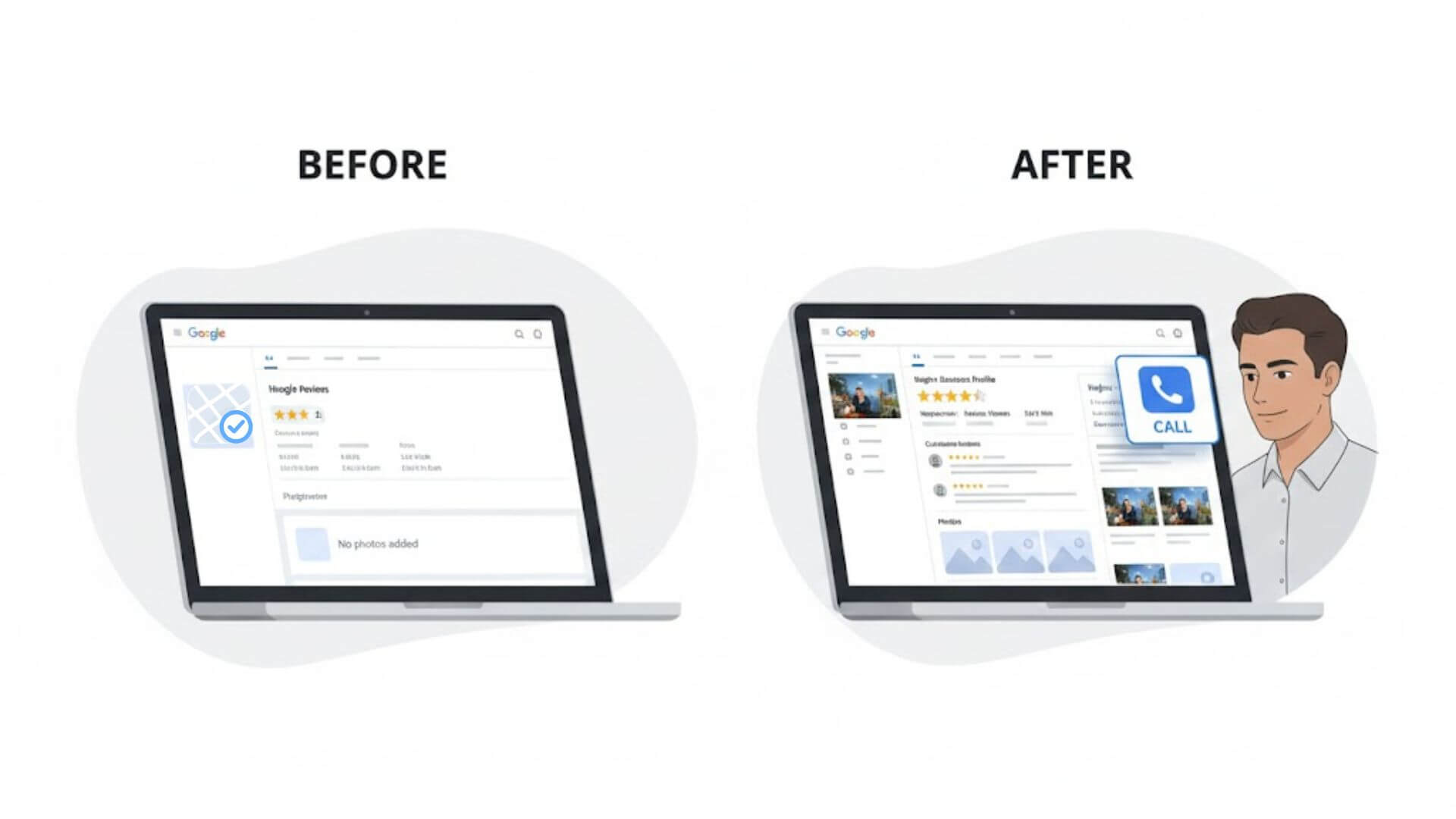
Many businesses set up a Google Business Profile expecting it to bring steady calls and leads. But after weeks or even months, the phone stays quiet. This usually happens because simply having a profile or ranking on Google Maps is not enough. Visibility does not automatically create trust, and trust is what makes people call.
A Google Business Profile needs proper structure, accurate information, and clear signals that show your business is real, active, and reliable. When these elements are missing or poorly handled, potential customers move on to competitors – even if your listing appears in search results.
This guide explains how to optimize your Google Business Profile in a practical way that focuses on real outcomes, not guesswork. You will learn which areas matter most, why certain changes increase calls, and how to avoid common mistakes that hold businesses back.
Table of Contents
ToggleMost people use Google Maps to find a business when they already need a service. They search, scan a few listings, and make a quick decision. In those few seconds, your Google Business Profile has to do more than appear on the screen – it has to earn trust.
An incomplete or weak profile creates doubt. Missing services, outdated photos, poor descriptions, or unanswered reviews make people hesitate. Even if your business shows up in results, users often skip it because nothing clearly tells them why they should call you.
This is where optimization makes the difference. A well-optimized profile gives clear information, shows real activity, and answers common questions before the customer even clicks. Visibility gets you noticed, but a call-worthy profile gets chosen.
When Google sees consistent details, active updates, quality photos, and positive engagement, it sends stronger trust signals. Those signals help both your ranking and your ability to turn searches into real phone calls.
Before advanced tactics, Google checks whether your business information is accurate, complete, and trustworthy. If these basics are weak, no amount of posting or reviews will consistently bring calls.
Accuracy matters more than keywords. Google wants your business name to match how you operate in the real world, not how you want to rank. Adding extra words or locations may look clever, but it often reduces trust and can even lead to suspensions.
Categories play a major role in who sees your listing. When you choose the wrong primary category, Google shows your profile to the wrong audience. That means fewer calls, even if your ranking looks decent. The right category helps Google understand what you actually offer and match you with people ready to contact a business like yours.
Google verifies real signals, not marketing claims. It checks consistency, relevance, and behavior over time to confirm that your business information reflects reality.
A complete profile removes hesitation. Clear services, a helpful description, accurate hours, and working contact details tell customers what to expect before they call. Missing or outdated information creates friction and pushes people toward competitors.
Consistency across the web also matters. Your business name, address, and phone number should match everywhere – your website, directories, and social profiles. When details conflict, Google loses confidence, and so do potential customers. Consistency builds trust, and trust leads to calls.
Calls increase when people quickly understand what you do and feel confident reaching out. Profile optimization helps remove confusion and builds trust before a customer ever clicks the call button.
Your business description should explain who you help and how you help them. It needs to sound like a real business speaking to real customers, not like a list of keywords.
Include what your business does, who your services are for, and what makes your approach reliable. Keep sentences short and easy to read. Focus on clarity, not clever wording.
Avoid stuffing keywords or repeating phrases just to rank. That approach makes descriptions feel unnatural and often turns people away. Customers do not call businesses that sound generic or automated.
Clear language builds confidence. When people understand your services without effort, they are more likely to contact you.
The services section tells Google and customers exactly what you offer. Each service name should match how real customers search, not internal or technical terms. Simple, specific service names perform better than broad or vague ones.
Match your services to actual customer needs. For example, list clear services instead of broad categories that could mean anything. This helps your profile appear for relevant searches and increases the chance of receiving calls from people ready to buy.
Avoid generic service lists that try to cover everything. Too many unclear services confuse both Google and users. Focus on accuracy and relevance. When services align with real search intent, calls increase naturally.
Google does not only look at what you say about your business. It also looks at how real people interact with your profile. Photos, reviews, and engagement signals play a direct role in whether someone feels confident enough to call you.
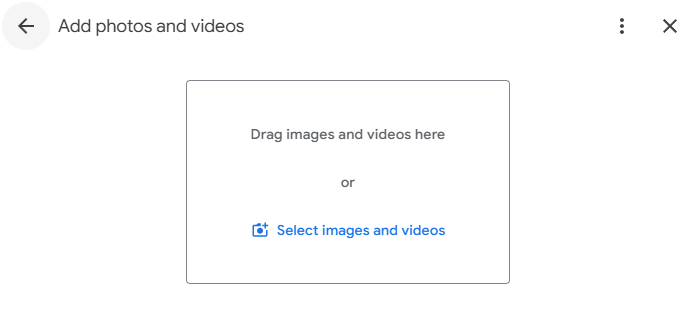
Real photos matter because they show proof. Customers want to see what your business looks like, who they will interact with, and what kind of experience to expect. Stock images or low-quality visuals reduce trust and make profiles feel generic.
Photos that improve trust include exterior shots, interior views, team photos, work-in-progress images, and real examples of your services. These images help people picture themselves choosing your business.
Update photos regularly. Adding new photos every few weeks shows activity and keeps your profile fresh. An active profile signals reliability, which increases the chances of getting calls.
Reviews strongly influence call decisions. Most people read at least a few reviews before contacting a business. Positive reviews reduce hesitation, while unanswered or poorly handled feedback creates doubt.
Replies matter because they show engagement and accountability. A short, polite response tells customers that you value feedback and communicate professionally.
Use a calm, respectful tone in all replies. Thank positive reviewers sincerely, and address negative feedback without defensiveness. Avoid scripted responses. Honest, human replies build trust, and trust leads to more calls.
Many businesses struggle to get calls not because of competition, but because small mistakes quietly damage trust and visibility. These issues often go unnoticed but have a direct impact on whether customers choose to contact you.
One common mistake is stuffing keywords into the business name. Adding extra words may seem like a shortcut, but it usually backfires. Google expects your business name to match real-world branding. When it doesn’t, rankings become unstable and customers lose confidence.
Ignoring service areas is another problem. If your service area is unclear or missing, Google may show your profile to the wrong audience or not show it at all. Clear service area settings help match your business with the right searches.
Infrequent updates signal inactivity. Profiles that sit unchanged for months look abandoned, even if the business is open and operating.
Over-editing also causes issues. Constant changes confuse Google and can trigger ranking drops.
Finally, fake or irrelevant photos break trust instantly. Customers notice when images do not reflect reality, and they move on.
Handling your Google Business Profile on your own works up to a point. Basic updates and cleanup can improve visibility, but many businesses reach a stage where progress slows or stops completely. This usually happens because deeper optimization requires experience, testing, and a clear understanding of how Google evaluates profiles over time.
At this stage, business owners often spend time changing small details without seeing better results. More edits do not always mean better performance. In fact, repeated changes without a clear strategy can reduce stability and create confusion for both Google and customers.
If you want a clearer breakdown of what to fix and how each change impacts calls and visibility, you can explore our Google Business Profile Optimization Service, where we handle the full optimization process step by step.
This approach allows businesses to move past trial and error and focus on steady improvements that support long-term growth, rather than short-term tweaks that rarely deliver consistent calls.
Some improvements show results quickly. Fixing incorrect information, updating services, adding real photos, or responding to reviews can improve trust and engagement within a short time. These changes help customers understand your business better and often lead to an increase in calls within weeks.
Other improvements take longer. Building review momentum, strengthening visibility, and stabilizing rankings depend on consistent activity and accurate signals over time. Google needs repeated confirmation that your business is active, reliable, and relevant.
Consistency matters more than speed. Profiles that receive steady updates and maintain accurate information perform better than those that change frequently and then go quiet. Small, regular improvements create lasting results.
Realistic expectations focus on progress, not instant results. Optimization improves call quality and volume gradually, not overnight.
For businesses that want to stay consistent without managing every update themselves, ongoing updates and review management help maintain visibility and trust over time.
Optimizing a Google Business Profile is about clarity and trust. When people understand your services and feel confident in your business, they are more likely to call.
Small fixes often make a bigger difference than complex tactics. Clear information, honest engagement, and consistent updates improve both visibility and conversion.
Focus on helping users make informed decisions, not on trying to game Google. Profiles built around real value tend to perform better over time and attract calls that lead to actual customers.
Get a clear action plan and fix what’s holding your listing back.