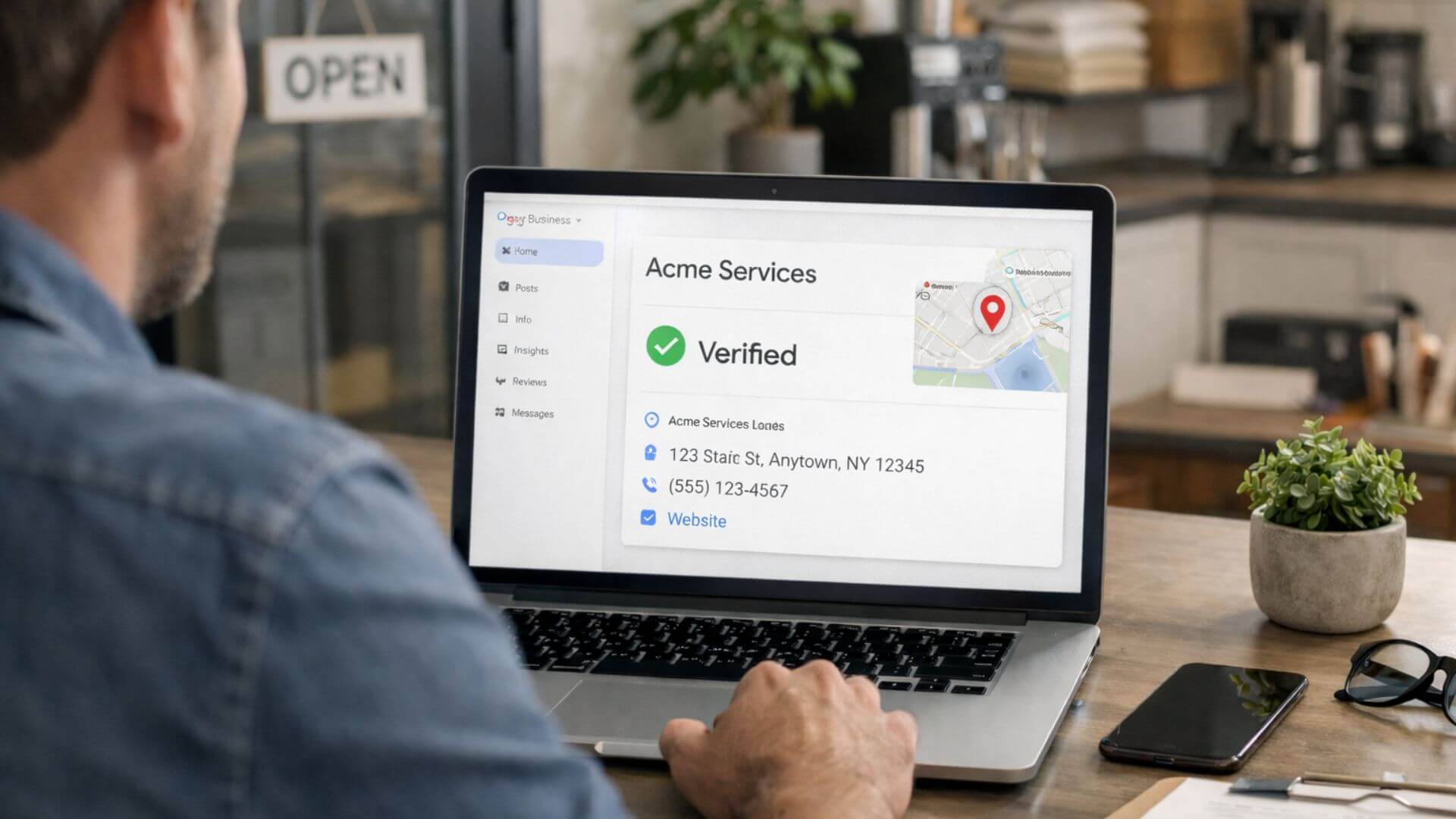
Google Business verification is the process Google uses to confirm that you own or manage a real business at the location you list. In simple terms, verification proves to Google that your business information is accurate and that you have the right to control the Google Business Profile.
Google requires verification to protect search results from fake listings and spam. Without verification, anyone could create or edit business profiles, which would reduce trust in Google Search and Maps. Verification helps Google show only legitimate businesses to users.
It’s also important to understand the difference between ownership and visibility. Creating a Google Business Profile does not make it visible to the public. Only after verification can the profile appear in Google Search and Maps, accept reviews, and benefit from optimization efforts.
Once verification is complete, the next step is optimizing the profile for visibility and performance. If you’re new to managing a Google Business Profile, this beginner optimization guide explains the essential steps to take after verification.
Google Business verification is required because Google must confirm that a business is real, active, and operated by an authorized owner. Without verification, Google cannot trust the information in a profile, which directly affects how and where the business appears online.
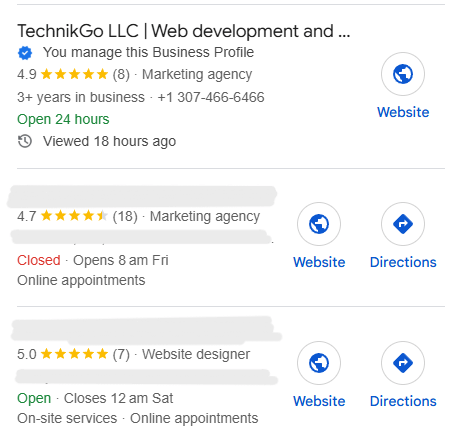
Google uses verification to run basic business legitimacy checks. These checks help confirm that a business exists at the listed location or genuinely serves customers in the stated area.
Verification also plays a key role in fake listing and spam control. Without this step, false businesses could appear on Google Maps, misleading users. By requiring verification, Google reduces spam and protects the quality of local search results.
Unverified profiles do not rank because Google does not allow them to fully participate in local search or Maps results. Until verification is complete, the profile remains limited and often invisible to users.
Verification is also a requirement for Google Maps eligibility. Only verified businesses can appear confidently in Maps listings, collect reviews, and benefit from ongoing optimization. This makes verification the first essential step before any local SEO efforts can succeed.
To verify Google Business, Google offers several verification methods based on business type, location, and account history. Not every business sees the same options, and Google selects the method it considers most reliable for each profile.
These GMB verification steps explain how to complete Google Business verification correctly and avoid unnecessary delays.
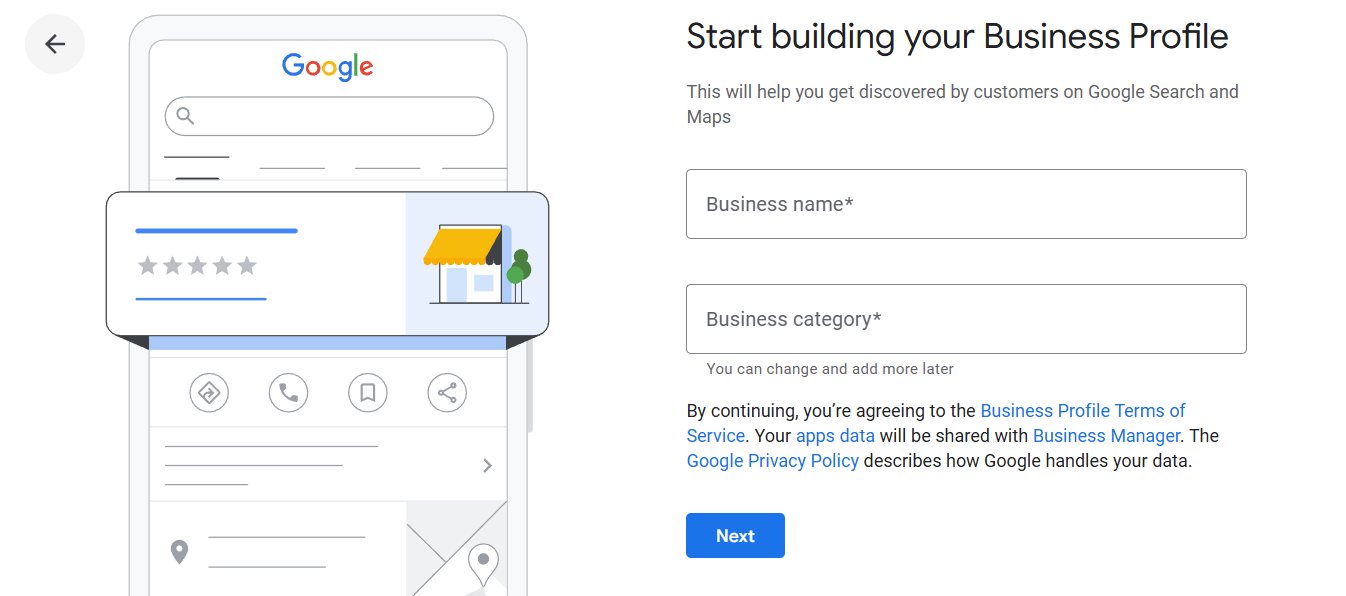
Google Business verification delays are common and usually temporary. Understanding why delays happen helps you avoid unnecessary changes that can restart the process.
Verification often stays pending when Google needs more time to confirm business details or review submitted information. Changes to the business name, address, or category during verification can also pause or reset the process.
Typical verification timelines depend on the method used. Postcard verification usually takes one to two weeks, while phone, email, or video verification may complete within a few days. Some reviews take longer if Google flags the profile for additional checks.
Delays indicate a problem when verification remains pending far beyond the expected timeframe or when Google requests repeated verification attempts. In these cases, reviewing profile accuracy and seeking support becomes necessary to prevent long-term visibility issues.
If your profile remains verified but still struggles to appear in Maps, there may be other underlying issues. This guide on low visibility causes explains common reasons businesses fail to gain exposure even after verification.
Some issues prevent Google Business verification from completing successfully. Identifying these problems early helps avoid repeated verification failures and long delays.
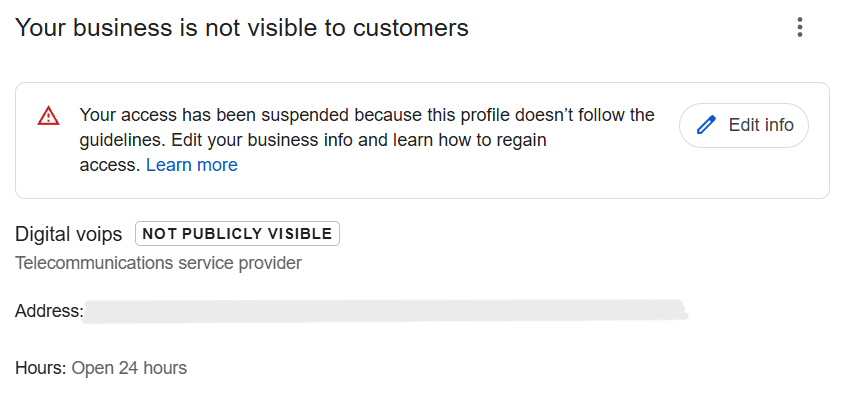
When self-verification fails, Google Business support becomes essential. Repeated verification attempts without resolving the root issue often lead to longer delays or additional restrictions.
Professional GBP support services help by reviewing profile details, identifying guideline conflicts, and correcting issues before submitting verification requests. This structured approach reduces errors and improves approval success.
Using expert support also helps avoid repeated verification rejections. Instead of trial-and-error submissions, support teams follow Google’s requirements carefully, ensuring the verification process moves forward smoothly and safely.
Professional Google Business setup services are useful when verification or profile setup becomes complex or high-risk. Some business types face more challenges during verification and benefit from expert handling from the start.
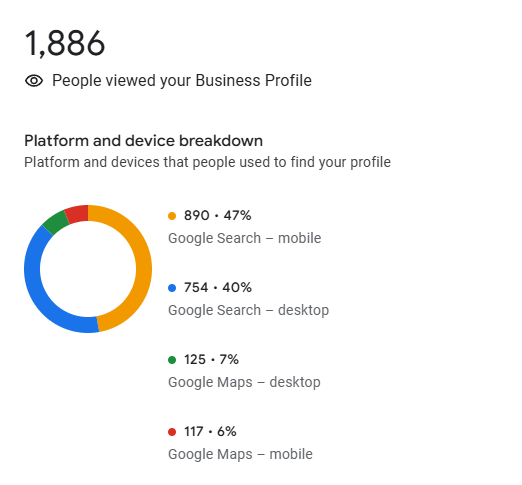
Google Business verification directly affects whether a profile is ready to rank. Verification acts as a prerequisite that allows Google to trust the business information and include the profile in local search and Maps results.
Optimization cannot work before verification because unverified profiles have limited visibility and restricted features. Until verification is complete, Google does not fully evaluate the profile for rankings, reviews, or local relevance.
Verification also establishes trust. Once Google confirms ownership and legitimacy, it becomes confident in showing the business to users. This trust allows other ranking factors – such as relevance, proximity, and profile optimization – to function properly and improve local visibility.
Use this checklist to prepare your profile before starting Google Business verification and avoid unnecessary delays or rejections:
Google Business verification is a foundation step, not an optional task. It confirms ownership, builds trust, and allows your business to appear in Google Search and Maps.
Correct setup matters before optimization begins. Verifying an accurate and compliant profile prevents future issues and ensures that optimization efforts deliver real results.
Once verification is complete, your business becomes eligible for local rankings and visibility. This makes verification the gateway to local SEO success and long-term growth.