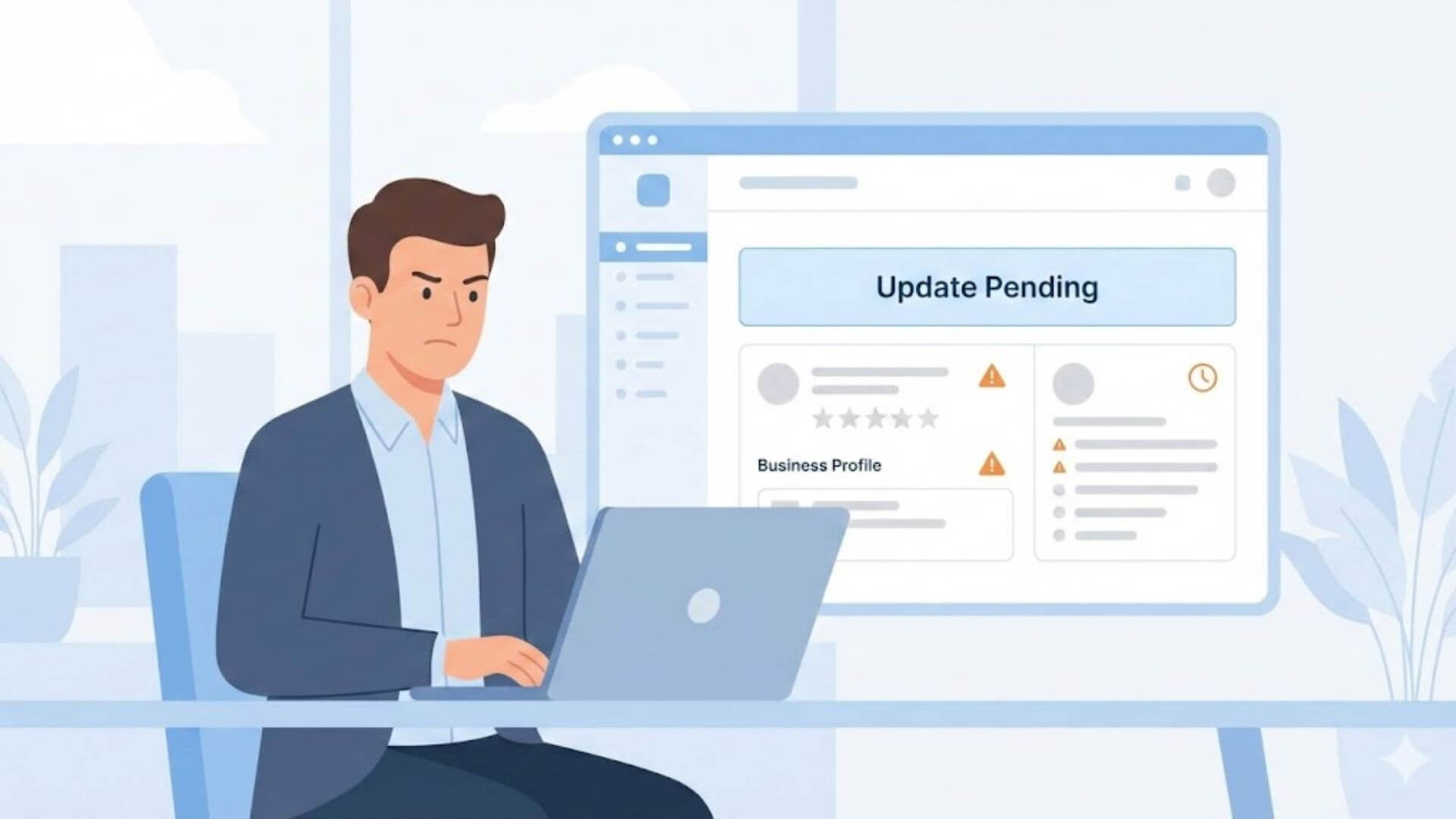
When Google Business updates are not publishing, it does not always mean something is wrong. In many cases, Google is reviewing the changes before making them live. Understanding the update status helps determine the next step.
There is an important difference between pending, rejected, and delayed updates.
Pending updates are still under review and may publish automatically after verification. Rejected updates do not meet Google’s guidelines and require correction before resubmission. Delayed updates are approved but take longer to appear due to system processing or account checks.
Google processes profile edits using automated systems and manual reviews. Simple changes like hours or photos may publish quickly, while sensitive edits such as business name, category, or address often go through additional verification.
This explains why some updates appear saved but are not live. The dashboard may show the edit as submitted, but Google may hold it for review or validation. Until the process finishes, the update will not be visible to users.
Knowing how Google handles profile edits helps businesses avoid repeated changes and resolve publishing issues more efficiently.
When Google Business updates are not publishing, the issue usually relates to review checks, trust signals, or account-level problems. Understanding the most common causes helps avoid repeated edits and delays.
Many updates go through an automatic review process. Google uses automated systems to check whether edits match existing profile data and follow guidelines. During this stage, updates may stay pending even though they appear saved.
Some changes also trigger manual checks for sensitive edits. Updates to business name, primary category, address, or service area often require additional verification. These edits take longer because Google reviews them more carefully to prevent misuse or inaccurate listings.
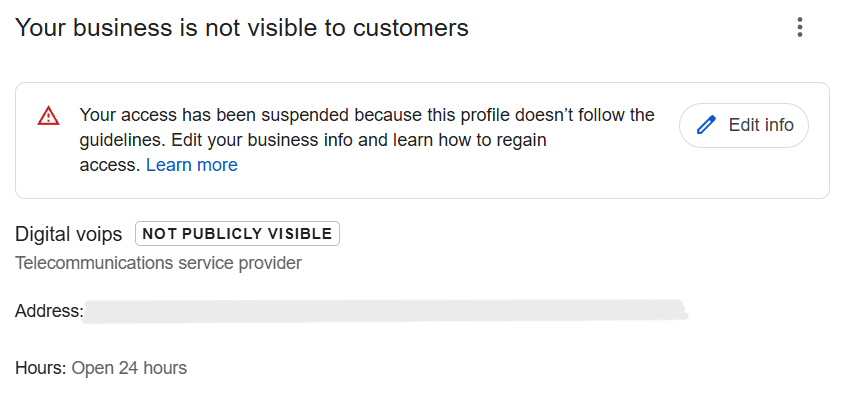
Account authority problems can block updates from publishing. If the account managing the profile has limited permissions, recent ownership changes, or past guideline issues, Google may delay or restrict edits.
Location or ownership conflicts are another common reason. Conflicting address details, duplicate listings, or unclear ownership can prevent updates from going live. Google may pause publishing until the conflict is resolved to ensure listing accuracy.
Identifying which of these issues applies helps businesses choose the right fix instead of resubmitting the same update repeatedly.
When GMB updates are stuck in pending status, it usually means Google has not finished reviewing the changes. Some updates publish quickly, while others require additional checks before going live.
Most updates normally take a few hours to a few days to publish. Simple edits such as business hours, photos, or minor description changes often go live faster. However, timelines can vary based on account history and profile trust.
Some updates stay pending for weeks because they trigger deeper verification. Changes related to business name, primary category, address, or service area often require manual review. Conflicting information or past guideline issues can also slow down the process.
The types of edits that get delayed most include name changes, address updates, category adjustments, and ownership-related edits. These areas are sensitive because incorrect information can mislead users.
Understanding normal timelines helps businesses decide when to wait and when to investigate further instead of resubmitting edits too quickly.
When edits are not approved by Google, it usually means the changes do not meet guideline requirements or create conflicts within the profile. These rejections help prevent inaccurate or misleading business information from going live.
Understanding why edits are not approved helps businesses correct issues properly instead of repeatedly submitting the same changes.
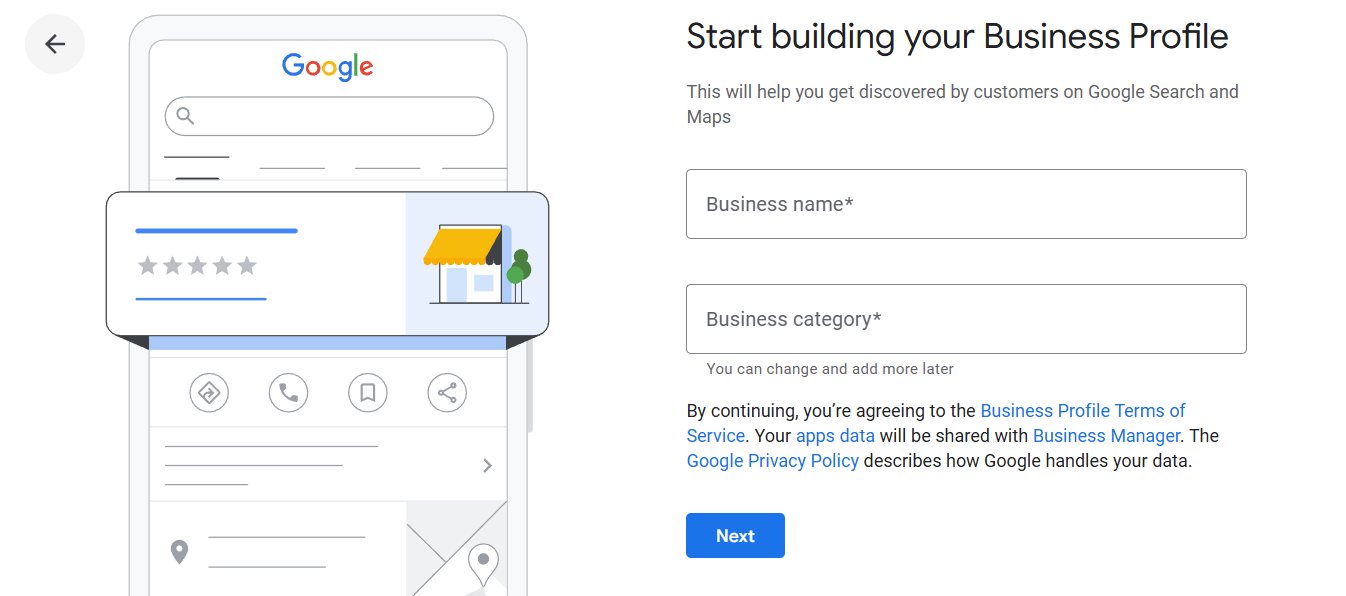
Many profile update issues happen because of existing listing errors. When core business information is incorrect or inconsistent, Google may block new edits from publishing to protect listing accuracy.
Incorrect business details often block updates automatically. Conflicting addresses, mismatched phone numbers, or unclear service areas make it difficult for Google to verify changes. As a result, updates may stay pending or fail approval without clear feedback.
There is a direct connection between listing errors and update approvals. If Google detects errors in primary information, it may pause new edits until those issues are resolved. This is why updates fail even when the new information looks correct.
Fixing the basics first matters more than submitting repeated changes. Address accuracy, category alignment, and consistent contact details must be corrected before other updates can publish. Resolving these foundational issues reduces friction and improves approval success.
Understanding and fixing profile update issues early helps ensure future edits publish smoothly and remain stable.
When Google Business updates are not publishing, following a structured process helps resolve the issue without causing further delays. Avoid repeated edits and focus on fixing the root cause first.
Start by checking which edits are still pending in your Google Business Profile dashboard. Identify whether the update relates to business name, category, address, services, or ownership. Knowing the edit type helps predict review time.
Review Google’s business guidelines before taking further action. Ensure the update follows naming rules, category usage, and address requirements. Even small violations can prevent edits from publishing.
Look for conflicts across your profile. Address mismatches, incorrect service areas, or inconsistent contact details often block approvals. Fix these core issues before submitting any new changes.
Once conflicts are resolved, resubmit the update carefully. Submit one edit at a time and allow Google enough time to process it. Avoid making multiple changes in quick succession, as this can reset the review process.
Following this step-by-step approach improves approval success and prevents updates from getting stuck again.
Many update delays happen because of common listing errors already present in the profile. Even small mistakes can block new edits from going live if Google detects inconsistencies.
Business name formatting mistakes are one of the biggest issues. Adding extra keywords, locations, or service terms to the business name violates Google’s guidelines. When the name does not match real-world branding, Google may stop all related updates.
Category and service mismatches also prevent updates from publishing. Selecting irrelevant categories or listing services that do not align with the primary category creates confusion. Google may delay approvals until categories and services clearly match the business type.
Inconsistent address or phone details cause frequent problems. Differences between the profile, website, or external listings make verification harder. When contact information does not match across sources, Google may pause updates to avoid displaying incorrect data.
Fixing these common listing errors first improves trust signals and allows future updates to publish more smoothly.
Google does not publish all profile updates instantly. Understanding normal timelines helps avoid unnecessary edits and confusion.
Most updates follow normal publishing timelines of a few hours to a few days. Simple changes such as business hours, photos, or minor description updates usually go live faster when no conflicts exist.
Delays for sensitive edits are common. Changes to business name, primary category, address, service area, or ownership often require manual review. These edits may take one to several weeks depending on verification needs and account trust.
Knowing when to wait vs take action is important. If an update stays pending for a short period, waiting is often the best option. However, if an edit remains unpublished for several weeks or repeatedly fails approval, it is time to review guideline compliance or investigate profile issues before resubmitting.
Clear expectations prevent repeated edits that can reset the review process and extend delays.
When updates are stuck, the wrong actions can make the problem worse. Avoiding these common mistakes helps Google process changes more smoothly.
Making repeated edits too quickly is one of the biggest errors. Every new change can reset the review process, causing updates to remain pending even longer. It is better to wait for a decision before submitting additional edits.
Submitting multiple conflicting changes also creates delays. Changing the business name, address, category, and services at the same time can confuse Google’s systems. Conflicting edits increase verification time and reduce approval success.
Ignoring guideline requirements often leads to rejection. Updates that do not follow Google’s naming rules, category guidelines, or address policies will not publish. Reviewing guidelines before submitting edits prevents unnecessary delays.
A patient, guideline-focused approach improves approval rates and prevents updates from getting stuck again.
Sometimes, Google Business updates stop publishing despite following the correct steps. This usually indicates deeper profile issues that require expert review. In these cases, diagnosing blocked or rejected updates becomes difficult without access to structured troubleshooting.
Repeated approval failures are another clear signal. If updates remain pending for weeks, get rejected without explanation, or keep reverting after approval, manual fixes may no longer work. These patterns often relate to trust issues, hidden guideline flags, or account-level restrictions.
At this stage, professional assistance becomes valuable. A dedicated google my business support service helps identify the root cause, resolve approval barriers, and handle proper communication with Google support. This ensures updates get reviewed correctly instead of looping through the same errors.
Using support services makes sense when updates affect visibility, accuracy, or long-term profile stability and require structured resolution rather than trial-and-error fixes.
Use this checklist to ensure updates publish smoothly and stay live.
Following this checklist helps prevent delays and improves update approval success.
Preventing Google Business update issues starts with using the correct update practices. Accurate information, guideline compliance, and patience play a bigger role than frequent changes.
Fewer, well-planned edits perform better than repeated updates. Submitting accurate changes and allowing time for review helps Google process updates without unnecessary delays or rejections.
Profile consistency is key to long-term stability. When business details remain accurate and aligned across all sections, updates publish more smoothly and remain live. Treating your profile as a system rather than a quick-fix tool protects visibility and reduces future update problems.
A consistent, structured approach ensures your Google Business Profile stays reliable, accurate, and trusted over time.