
Competitors hurting Google Business listings has become more common as local search competition grows. When visibility on Maps directly affects calls and revenue, some businesses stop focusing only on SEO and start trying to remove or weaken competitors instead.
This behavior increases in crowded markets where small ranking shifts create big business impact.
Not every ranking drop or visibility loss is self-caused. Many business owners follow guidelines, keep profiles clean, and still experience sudden drops. In these cases, external actions – such as false edits, spam reports, or policy flagging – often play a role.
Local SEO now involves more than optimization. It also involves defending listing trust. Google allows public edits and reporting to improve accuracy, but these same systems are misused for competitive abuse.
Understanding that competitor interference exists sets the right foundation. It helps businesses stop blaming their own SEO too quickly and start monitoring for competitive spam and manipulation that can silently damage Google Business visibility.
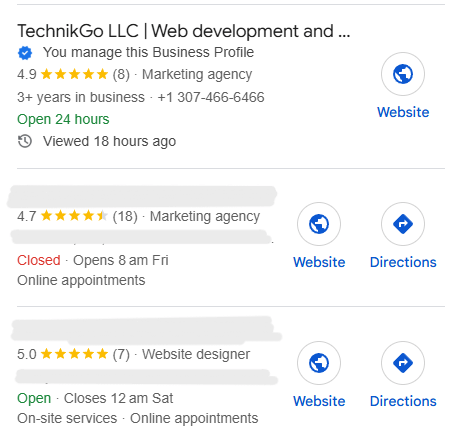
Competitive spam GMB tactics damage listings by exploiting Google’s public edit and reporting systems. These actions do not require access to your account, which makes them difficult to trace and easy to abuse in aggressive markets.
Most affected businesses never realize what triggered the problem.
Google allows users to suggest edits to improve accuracy. Competitors misuse this feature to weaken legitimate listings.
These edits often get approved automatically or partially, creating silent damage.
Some competitors bypass edits and go straight to reporting.
These tactics aim to reduce exposure, not improve accuracy – and they are a major reason clean listings suddenly lose rankings or face suspensions.
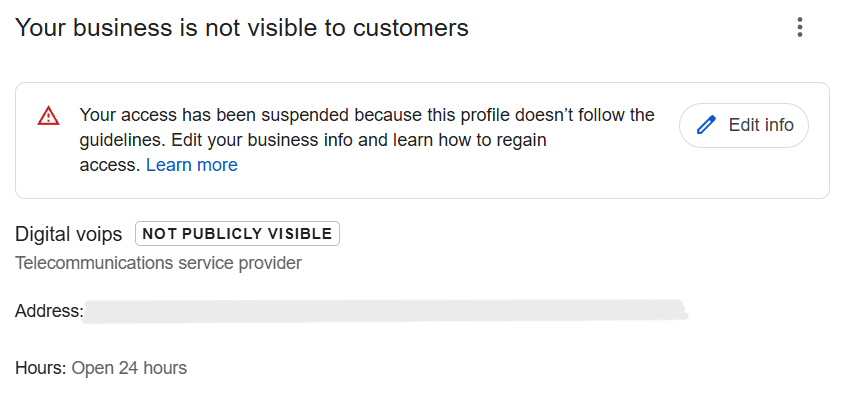
Suspension triggers do not always come from actions taken inside your Google Business Profile. In many cases, competitors create risk from the outside, using reporting systems designed to fight spam.
This is why clean listings still face sudden suspensions.
Google allows users to report businesses they believe violate guidelines. When competitors submit repeated or detailed reports, Google’s systems flag the listing for review.
These reports can trigger:
None of this requires access to your account.
Google does not judge motivation. It evaluates patterns.
If reports, edits, or complaints repeatedly point to the same issues – name accuracy, address legitimacy, or category relevance – Google assumes risk, even if the business did nothing wrong.
Intent does not matter. Signals do.
A listing can follow guidelines and still get suspended when:
During these moments, Google may suspend first and ask questions later. This is why competitor-triggered suspensions feel sudden and unfair – and why protection and monitoring matter just as much as optimization.
Protecting listing visibility starts with recognizing early warning signs. When competitors interfere, changes happen without your action and visibility drops suddenly, not gradually.
Watch for these signals closely:
Catching these signs early helps protect listing visibility before competitor abuse escalates into filters or suspensions.
Not every ranking drop means competitors are attacking – but competitor tactics create very different patterns than normal algorithm changes. Knowing the difference prevents wasted SEO effort and unnecessary risk.
Algorithm-based changes usually happen gradually. You may see:
Visibility remains active, even if positions shift.
When competitors interfere, changes are sharp and sudden:
This happens because trust and visibility get restricted, not relevance.
SEO works when Google is actively evaluating your listing. During competitor-driven issues, Google pauses exposure while reviewing risk signals.
Until those signals clear:
For deeper context on how these situations escalate, see our related guide on competitor tactics; suspension triggers. Understanding this difference helps you respond correctly and avoid turning a competitive attack into a self-inflicted suspension.
Google Business trust drops quickly during competitive abuse because Google reacts to patterns, not explanations. When multiple negative signals appear close together, Google assumes risk and acts fast to protect search quality.
Each spam report, edit suggestion, or complaint adds to Google’s internal trust assessment. One report rarely causes damage, but repeated reports – especially about the same issues – signal potential non-compliance.
Over time, this pattern:
Even legitimate businesses can be affected.
Before removing a listing, Google limits exposure. This protects users while Google reviews the situation.
Visibility is paused because:
This is why impressions and map pack presence often disappear before any suspension notice appears.
If trust does not recover – or reports continue – Google escalates action:
Competitive abuse accelerates this process. Without monitoring and response, trust loss can move from temporary suppression to full suspension surprisingly fast.
Protect listing visibility by focusing on stability, monitoring, and consistency. These steps reduce the impact of competitor interference and help Google maintain trust in your profile.
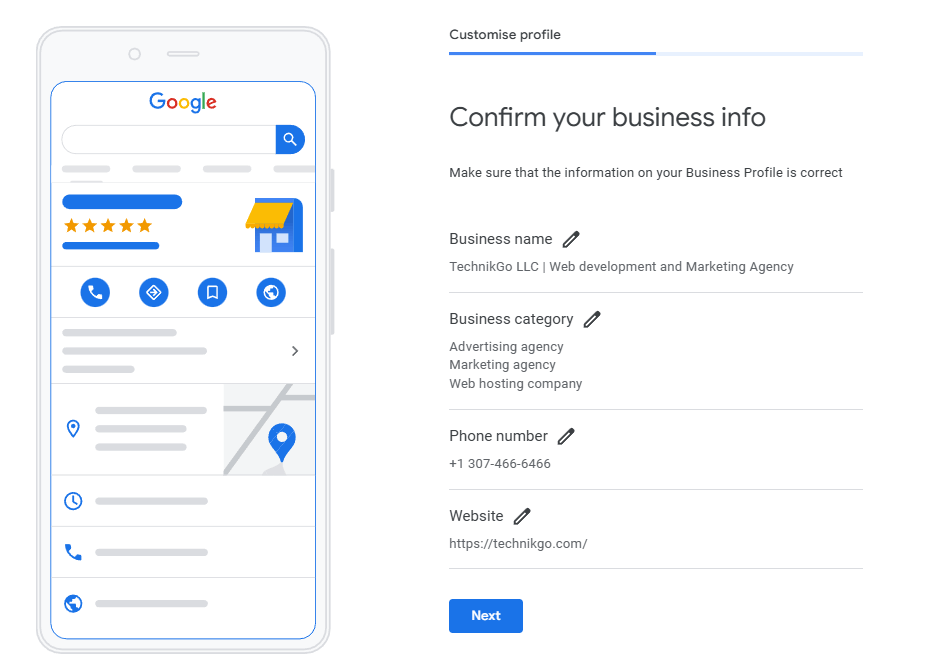
Use the real business name exactly as it appears in the real world. Avoid keyword additions or frequent edits. Stable core details reduce the chance of competitor edits being approved.
Check the edit history inside your profile often. Look for changes you did not submit, especially to the business name, categories, or address. Early detection limits damage.
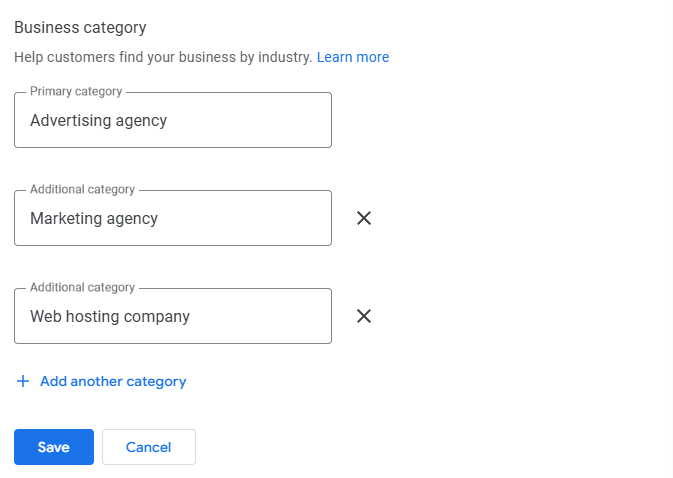
Choose categories that accurately represent your services and keep them consistent. Frequent switching weakens relevance and makes competitor edits more effective.
Ensure your website matches your Google Business Profile details. Address, services, and branding should align to strengthen trust and reduce review risk.
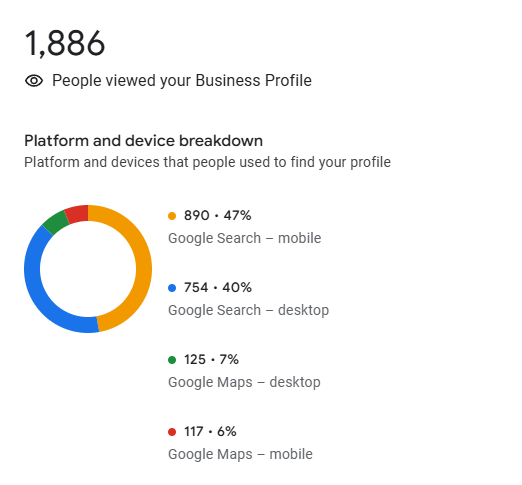
Monitor impressions, calls, and map presence. Sudden drops often signal competitor activity or trust issues. Acting early prevents filters or suspensions from escalating.
When competitors interfere with your Google Business listing, the wrong response can cause more damage than the attack itself. Avoid these common mistakes that often turn visibility issues into suspensions.
Staying calm and controlled is critical. Defensive actions should focus on trust protection – not aggressive fixes that invite deeper scrutiny.
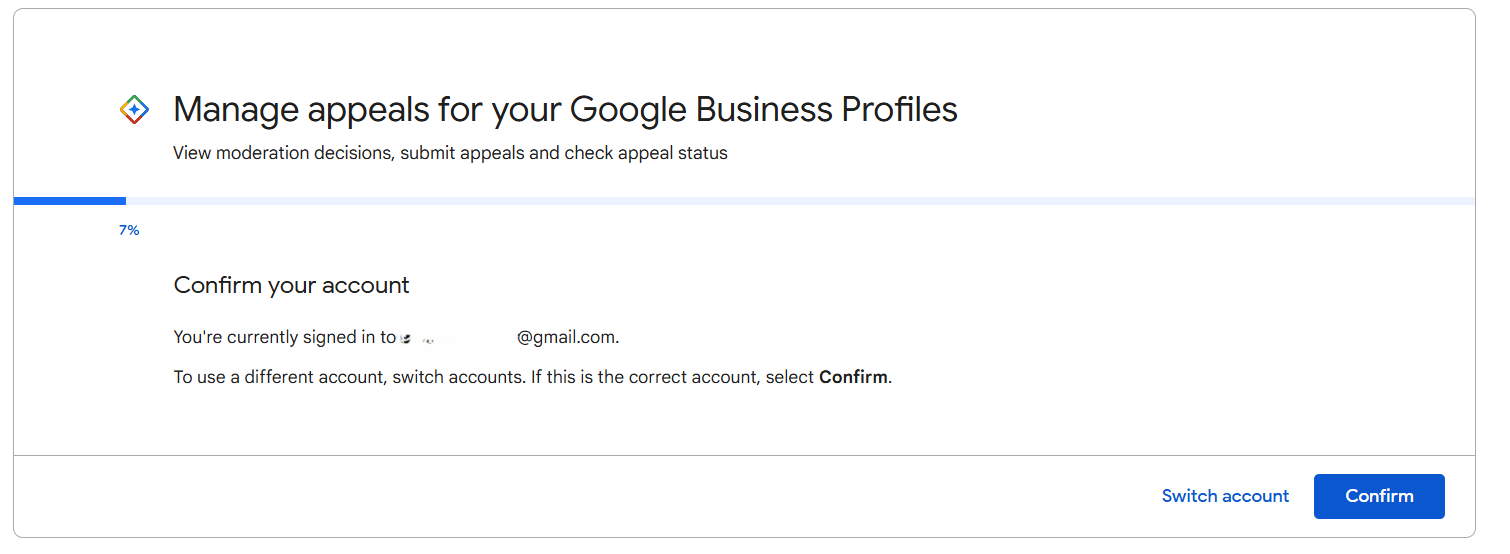
Reinstatement is required only when a Google Business Profile is fully suspended, not when visibility drops or filters appear. Knowing this difference prevents panic-driven actions that often make recovery harder.
A suspension crosses the recovery threshold when:
At this stage, normal trust recovery steps are no longer enough.
Reinstatement should be treated as a controlled, evidence-based process. Google reviews documentation, business legitimacy, and compliance history – not urgency or repeated requests. Submitting incomplete or rushed appeals often delays approval or leads to rejection.
Avoid panic submissions. Filing multiple requests, changing details during review, or guessing the violation increases risk. When handled correctly, reinstatement focuses on clarity, consistency, and proof – not pressure.
In suspension cases caused by competitor activity or accumulated trust loss, a structured Gmb reinstatement service helps manage the process safely and improves approval chances without escalating further damage.
Competitor damage is easiest to stop before it escalates. Ongoing Google Business support focuses on monitoring and risk control, not just fixing problems after they happen.
Expert support provides:
This proactive approach prevents small issues from becoming visibility filters or suspensions.
Professional support also acts as protection, not promotion. Instead of reacting to every change, experts understand when to act and when to stay still – reducing the chance of triggering Google reviews.
Prevention always costs less than recovery. Ongoing Google Business support helps maintain stability, defend against competitor abuse, and protect long-term visibility without putting the listing at risk.
Use this checklist to reduce competitor damage and keep your Google Business listing protected. Each item strengthens trust and limits how much competitors can interfere.
Following this checklist helps maintain long-term visibility and minimizes the impact of competitive spam or malicious reporting.
Competitor damage to Google Business listings is real, and it happens more often than most businesses expect. The good news is that it is manageable when handled correctly. Most visibility loss comes from delayed response or the wrong reaction – not from the attack itself.
Proactive protection makes the difference. Regular monitoring, stable profile data, and controlled actions reduce risk and limit how much competitors can affect visibility.
Visibility protection should be treated as a long-term defense strategy, not a one-time fix. When trust stays strong, rankings remain stable, and competitor interference loses its impact.