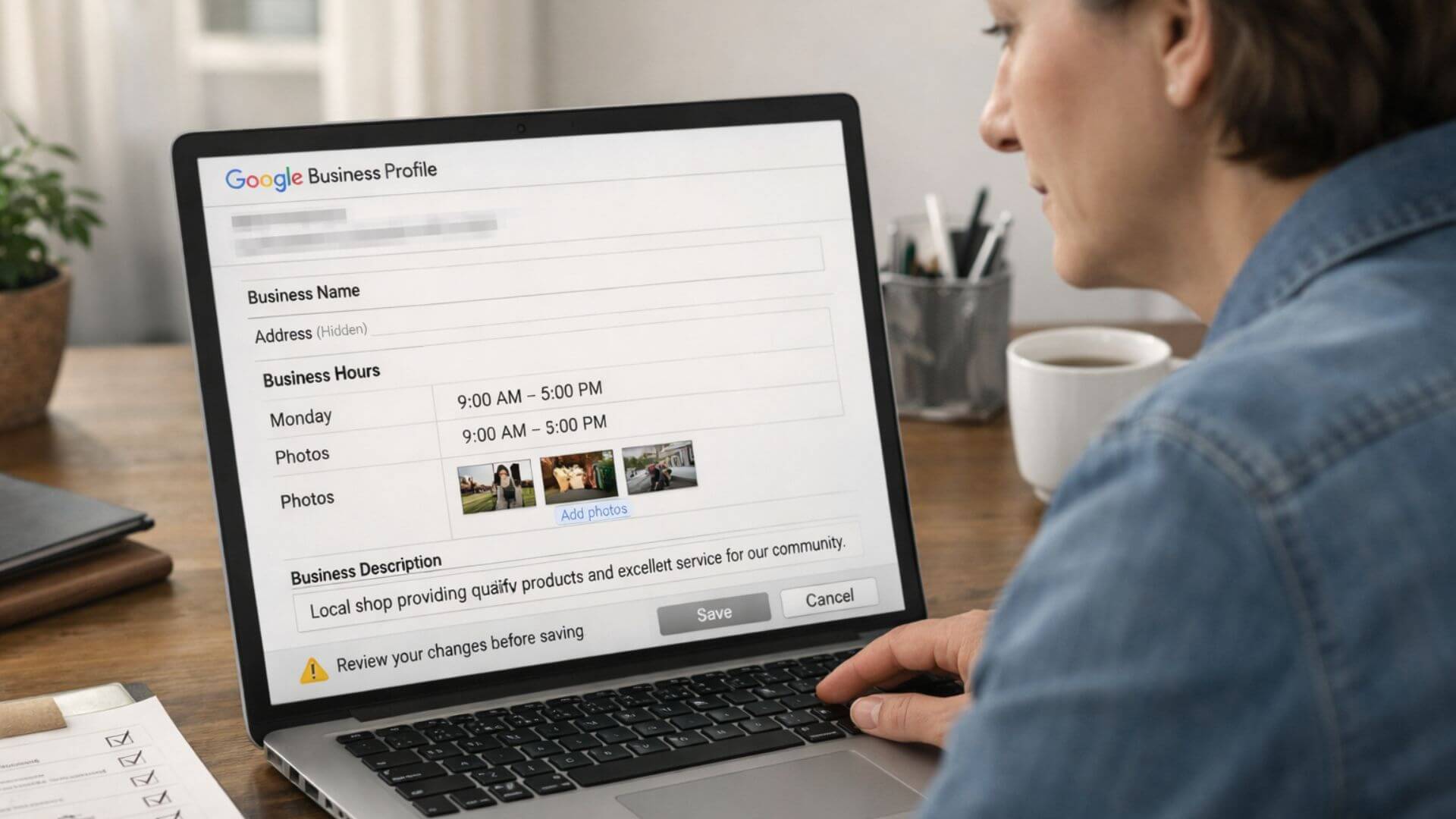
Making safe Google Business edits is important because not all profile changes are treated equally by Google. Some edits can trigger automated reviews that put the profile at risk of suspension, even when the business is legitimate.
Google uses risk-based monitoring to evaluate profile activity. Sudden changes, frequent edits, or updates to sensitive fields can signal potential abuse or misinformation. When this happens, Google may temporarily restrict or suspend the profile while it reviews the changes.
To reduce this risk, businesses should follow a structured approach to updates. These safe profile edits explain how to make changes without triggering unnecessary reviews or suspension.
This is why expectations matter before making updates. Editing a Google Business Profile should be done carefully and in stages. Safe, planned edits protect visibility and prevent unnecessary disruptions to Search and Maps presence.
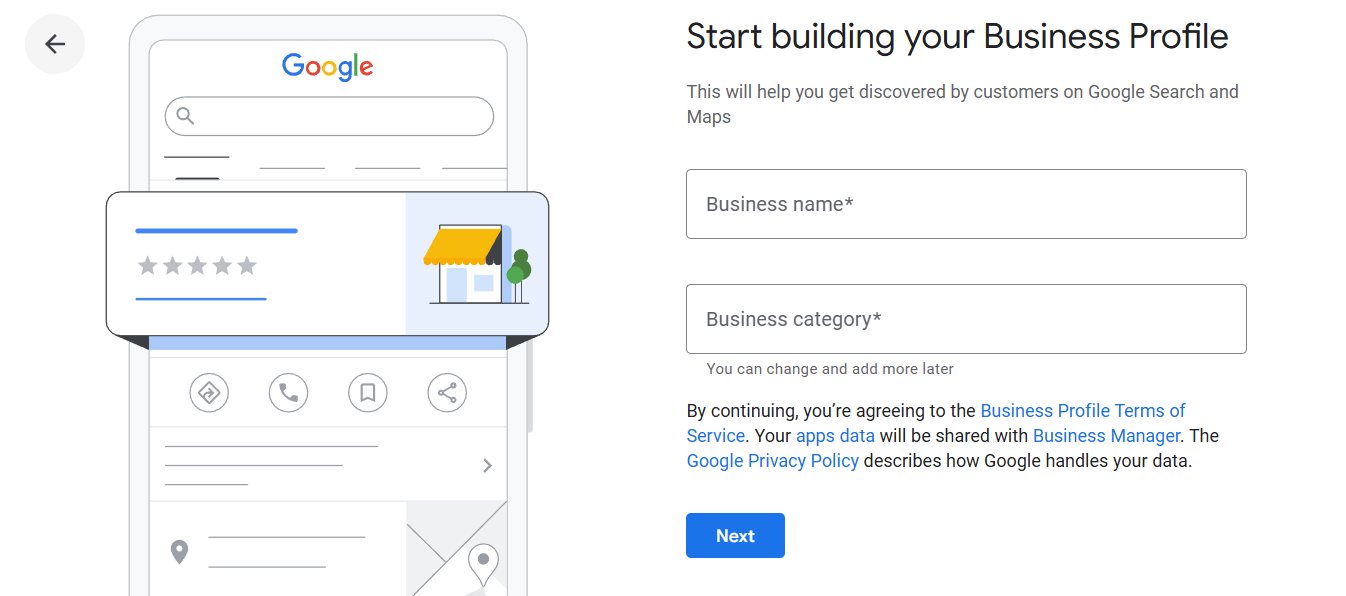
Google evaluates profile edits to protect users from misleading or fake business information. Every change you make is reviewed through automated systems, and some edits may trigger deeper checks.
Most profile edits first go through algorithm-based checks. These systems look for unusual patterns, high-risk fields, or changes that conflict with existing data.
Human review triggers occur when edits appear suspicious or fall outside normal behavior. This can include major changes to business details, repeated edits in a short time, or inconsistencies with external information.
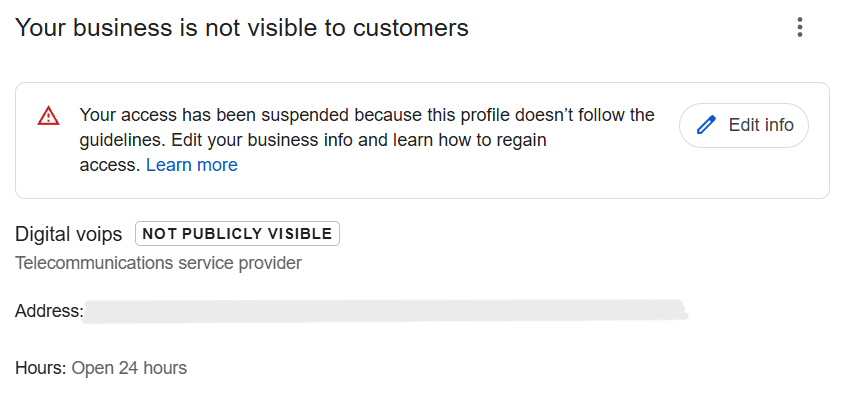
Google uses pattern-based detection to identify risky behavior. Making multiple changes at once or editing sensitive fields too quickly can signal potential manipulation.
These actions can affect a profile’s trust score. When trust drops, Google may limit visibility or suspend the profile until the information is reviewed and verified.
Many updates are considered low risk and can be made regularly when you edit GMB safely. These edits help keep the profile fresh without triggering review issues.
Some profile changes carry a higher suspension risk and should be handled with caution to avoid suspension edits that can disrupt visibility.
Before making any changes, use this checklist to ensure you’re making safe Google Business edits and not putting the profile at risk.
Following a structured approach helps you edit GMB safely without triggering unnecessary reviews or suspension risks.
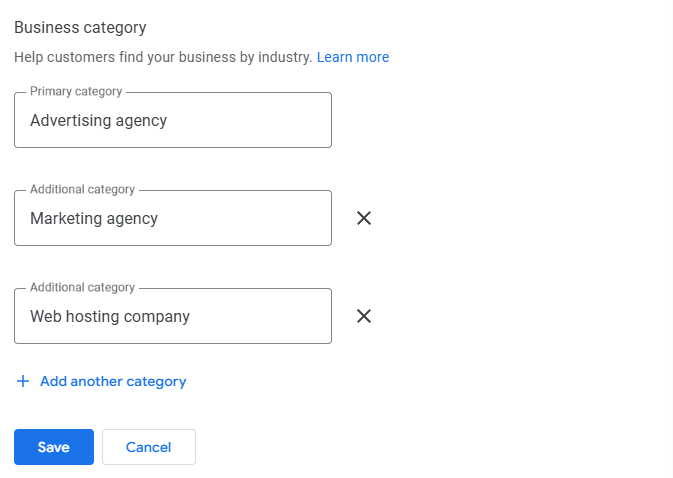
Timing matters when updating a Google Business Profile. Certain periods increase risk and make edits more likely to trigger review or suspension.
After recent verification, the profile is still under close evaluation. Making changes too soon can interrupt Google’s review process and delay visibility.
During ranking drops, frequent edits can add confusion. Google may already be reassessing the profile, and additional changes can worsen instability.
After reinstatement, the profile remains sensitive. Any edits during this period should be minimal or delayed, as Google closely monitors reinstated profiles for compliance.
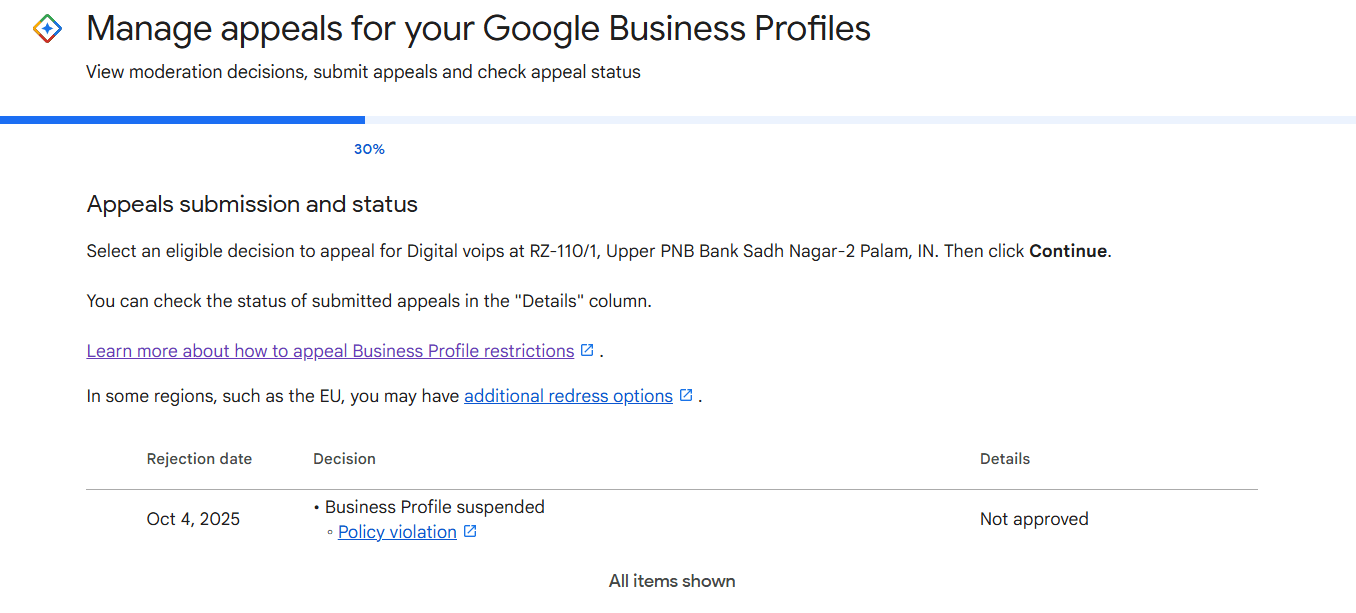
Even when you follow best practices, a safe edit can sometimes trigger a suspension due to automated checks or data conflicts outside your control. When this happens, the first step is to stop making further changes and review the suspension notice carefully to understand what Google flagged.
Suspension recovery requires a structured approach. This includes verifying that all business information matches real-world details, correcting inconsistencies across the website and listings, and submitting a clear reinstatement request. In these cases, using a professional Google Business Profile reinstatement service helps handle the process correctly, reduces repeat rejections, and restores visibility faster and more safely.
Google Business support can help when profile edits lead to warnings, verification requests, or visibility issues. Support teams can review basic problems, clarify guideline requirements, and guide next steps.
However, support has limits. They often rely on automated systems and may not resolve complex cases involving repeated suspensions or high-risk edits. In these situations, expert handling matters. Professional GBP support services understand how to prepare accurate information, communicate with Google correctly, and avoid actions that could worsen the issue.

Safe profile edits are part of long-term verified business management, not one-time fixes. Google rewards stability and accuracy over frequent changes, especially for profiles that are already verified and visible.
Consistent information builds trust over time. When edits follow a clear structure and align with real-world details, Google gains confidence in the business and maintains visibility. Frequent or unnecessary changes, even if small, can weaken that trust and trigger reviews.
Managing a verified profile means prioritizing consistency first and edits second. Treating updates as part of an ongoing verified business management approach helps protect rankings, reduce risk, and support steady local growth.
Use this checklist before making any updates to ensure your edits stay safe and do not risk profile suspension:
Safe Google Business edits require caution, not speed. Making quick or unnecessary changes often creates risk, even for legitimate businesses.
Structured edits protect visibility. Planning changes, spacing them out, and monitoring results helps Google evaluate updates without triggering review or suspension.
Safety is a form of visibility protection. When profile edits stay accurate, minimal, and consistent, businesses maintain trust and keep their presence stable in Search and Maps.