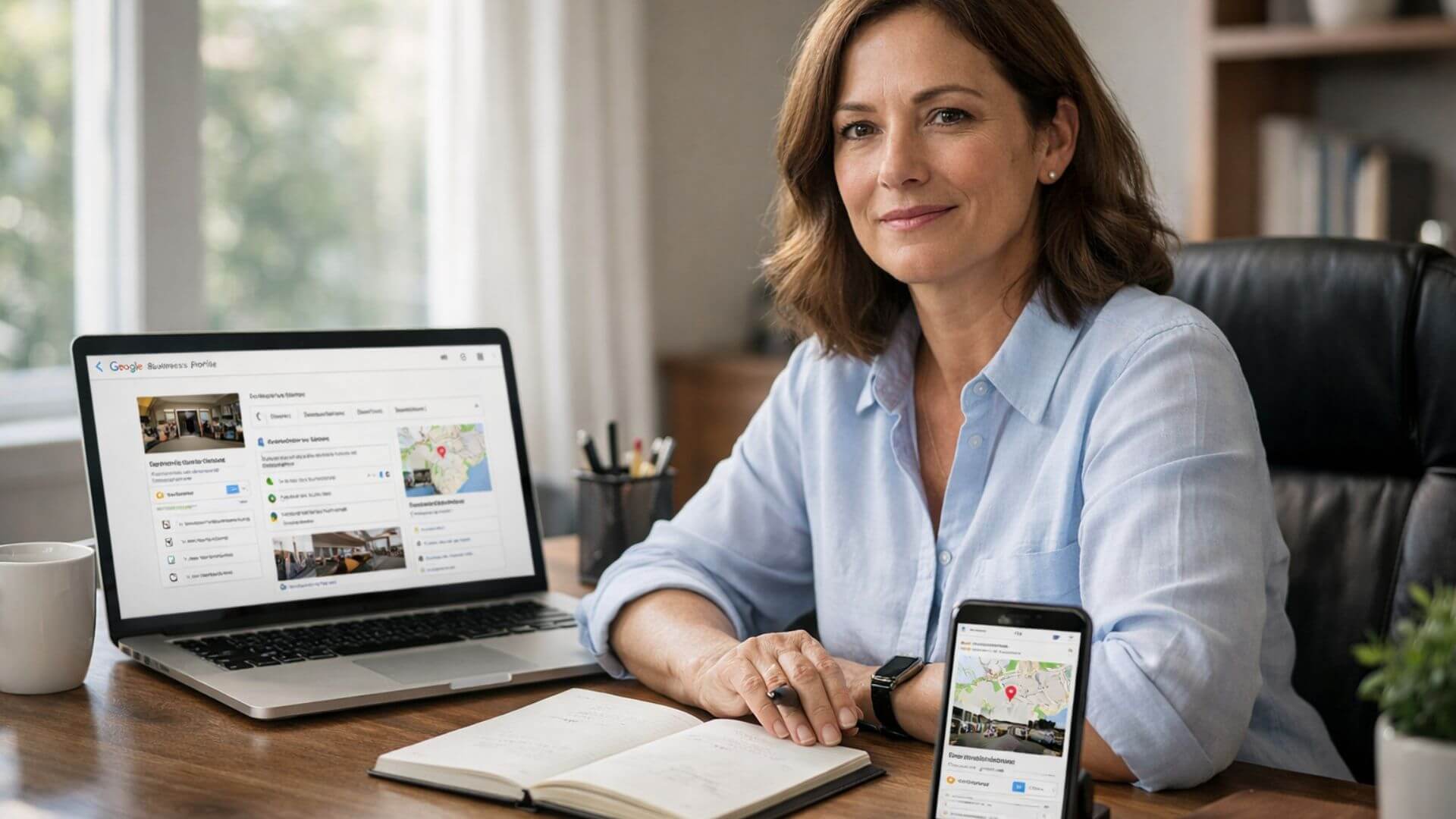
When google business verification done appears on your profile, it means Google has confirmed that your business is real and that you have the right to manage the listing. Your Google Business Profile becomes eligible to appear in Google Search and Maps, and key features like reviews, posts, and updates are unlocked.
However, verification does not mean your business will rank immediately. Verification changes the status of the profile, not its position. It moves your listing from restricted to active, allowing Google to start evaluating it for local visibility.
This is where expectations matter. After verification, Google begins processing and indexing your profile, but rankings depend on additional signals like profile completeness, relevance, and optimization. Verification is the starting point that makes growth possible, not the final step.
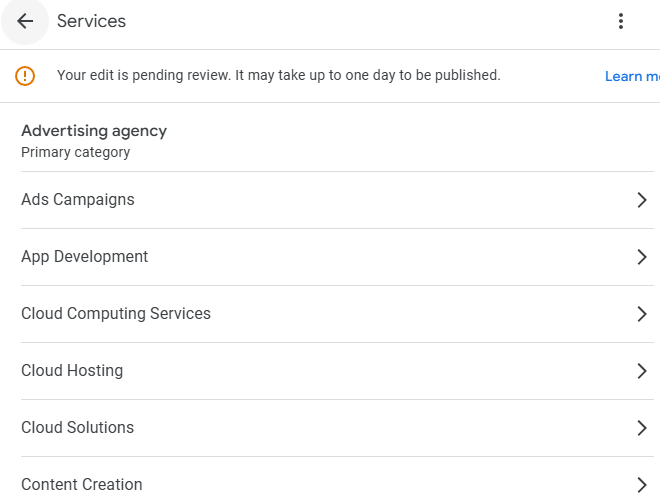
Once your Google Business Profile is verified, several features unlock immediately. These changes allow your business to start participating in local search and Maps visibility.
After verification, following the right GMB post verification steps helps Google understand your business clearly and prevents early visibility issues.
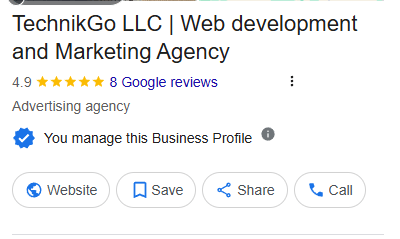
When google business verification done appears, many business owners expect instant rankings. In reality, verification only makes the profile eligible to appear – it does not guarantee visibility or position in search results.
Verification acts as eligibility. It confirms ownership and allows the profile to enter Google’s local ecosystem.
Optimization drives performance. Rankings depend on how well the profile is built, maintained, and aligned with search intent. Without optimization, a verified profile has little competitive strength.
Many verified profiles remain invisible because they lack essential optimization signals. Missing services, weak categories, or incomplete descriptions limit relevance.
Incomplete profile data also slows growth. When Google does not have enough information to match the business with searches, visibility remains low even after verification.
After verification, Google expects specific actions before increasing visibility. These next steps verification signals help Google understand that the business is active, relevant, and trustworthy.
Profile completeness is the first priority. Adding accurate business details, services, categories, and descriptions helps Google match the profile with relevant searches.
Trust signals come next. Reviews, accurate information, and consistency across platforms build confidence that the business is legitimate and reliable.
Consistent activity also matters. Regular updates, posts, and engagement show Google that the business is active, which supports stronger local visibility over time.
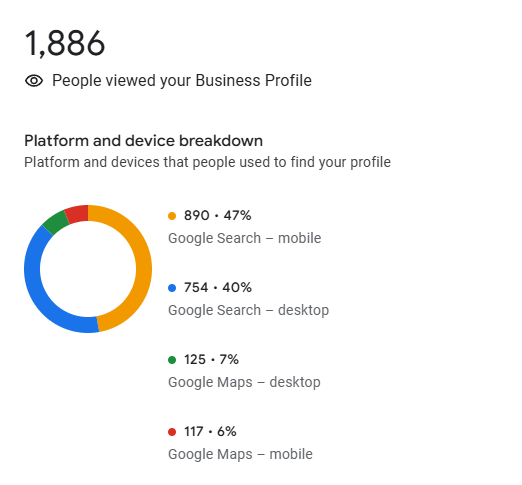
Results do not appear instantly after verification. Google needs time to process, index, and evaluate the profile before increasing visibility.
An indexing and visibility lag is normal. It can take several days or weeks for a newly verified profile to begin appearing consistently in search and Maps results.
Early impact is often limited to basic visibility, such as appearing for branded searches. Long-term impact depends on optimization, activity, and competition in the area.
Several factors can speed up results, including completing the profile fully, selecting accurate categories, adding services, and maintaining consistent activity after verification.
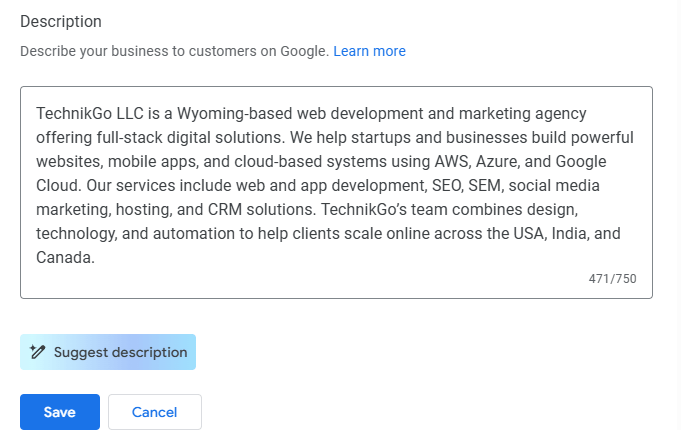
Many businesses struggle after verification because of avoidable mistakes that slow or block growth. Addressing these issues early helps maintain momentum.
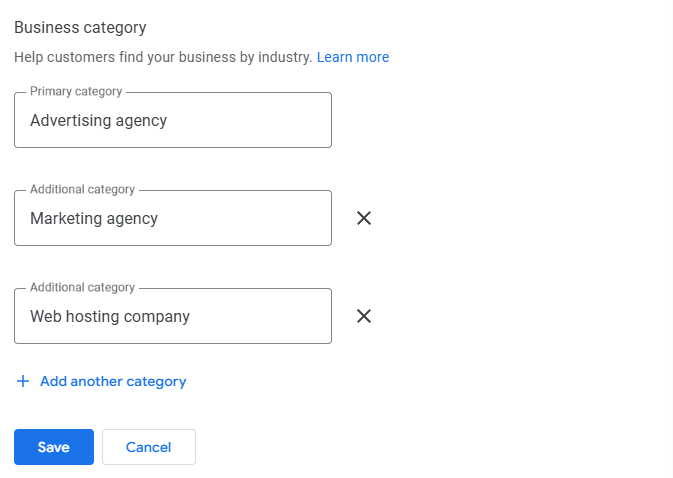
Once verification is complete, the focus shifts from setup to growth. This is the stage where profile optimization begins and visibility starts to improve.
Structured optimization involves refining categories, completing services, improving descriptions, and adding ongoing updates. These steps help Google better understand relevance and match the profile with search intent.
A planned optimization approach also prevents random changes that can slow progress. By following a clear structure after verification, businesses build stronger signals and create steady growth in local visibility.
For businesses aiming to grow visibility and performance, a structured Google business optimization service helps build strong ranking signals consistently over time.
Google Business Profile setup services are useful when profiles need extra attention to avoid mistakes and improve early visibility. Certain situations benefit from professional guidance.
In these situations, using a professional Google Business Profile setup service helps ensure the profile is configured correctly and ready for visibility without delays or compliance issues.
Google Business Profile optimization services are most useful after verification, when the goal shifts from setup to improving visibility and performance. This stage focuses on strengthening signals that influence local rankings.
Video verification can appear again even after a profile is verified. Google may request re-verification when business details change, trust signals weaken, or higher confirmation is required.
This usually happens after updates to the address, category, ownership, or service area. In these cases, Google uses video verification to reconfirm real-world presence and control before maintaining or restoring visibility.
All verification methods connect into one system. Postcard, phone, and video verification are not separate processes – they support the same trust framework. If video verification is triggered after approval, following the correct video verification tips helps complete re-verification smoothly and keep the profile active and eligible for local visibility.
Use this checklist to make sure your profile is ready for visibility and growth after verification:
Google Business verification is the starting point, not the finish line. It confirms eligibility and allows your profile to enter local search and Maps results.
What happens next determines growth. Taking structured steps after verification – completing the profile, building trust signals, and staying active – helps Google understand relevance and reliability.
Optimization is the real growth driver. Consistent improvements after verification turn an active profile into one that attracts visibility, traffic, and customer actions over time.