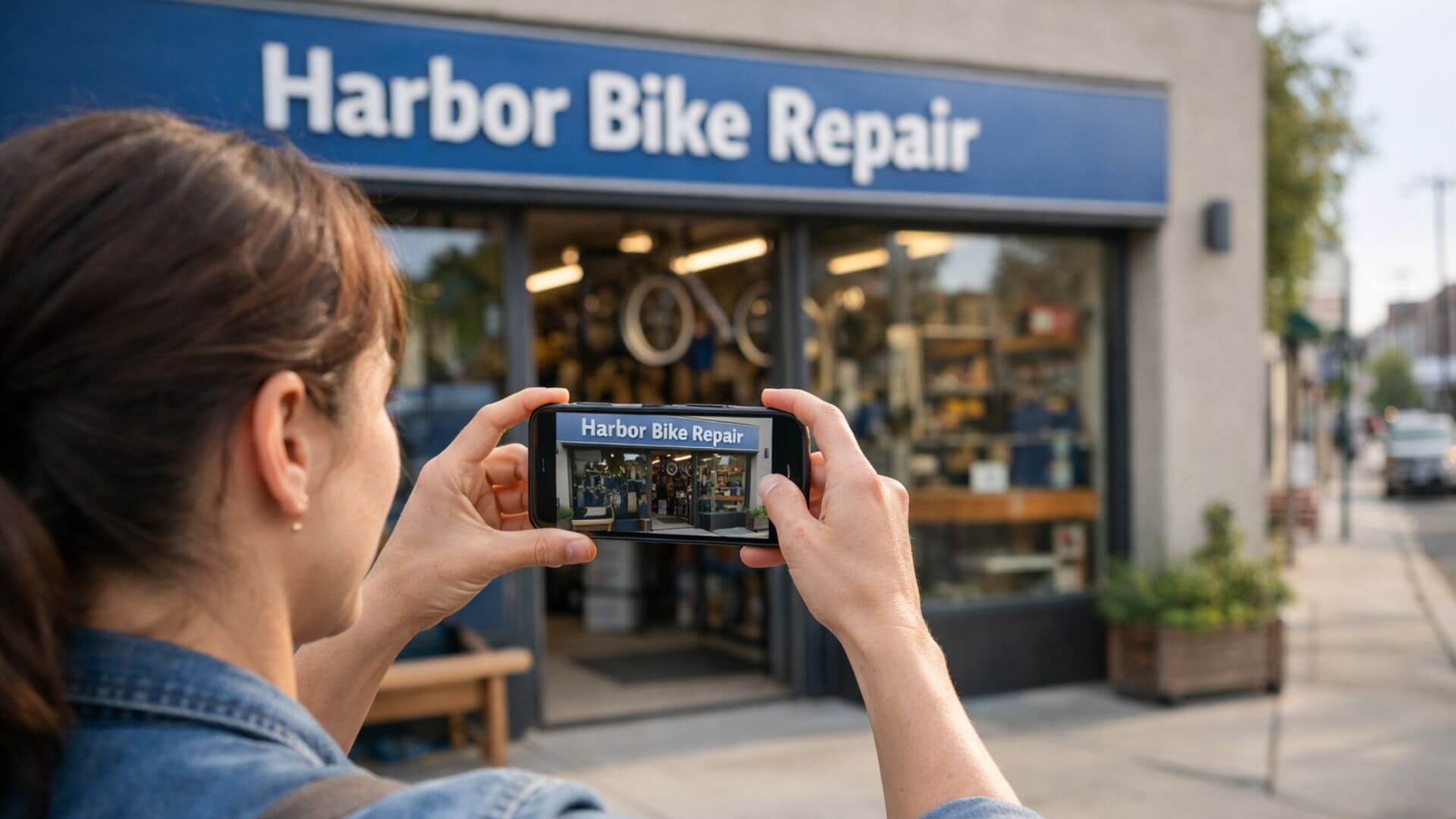
Google Business video verification is a method Google uses to confirm that a business is real and actively operating at the location listed on its profile. Instead of sending a code, Google asks the business owner or manager to record a short video showing the business location and proof of control. This process helps Google verify ownership and authenticity more accurately.
Google requires video verification when it needs stronger confirmation than other methods can provide. This often happens for new profiles, service-area businesses, or listings that Google considers higher risk. Video verification allows Google to see the business in a real-world setting rather than relying only on documents or mail.
Unlike postcard or phone verification, video verification cannot be completed remotely or with a simple code. It requires showing physical elements such as signage, workspace, or tools that match the business category. This makes video verification more detailed and harder to fake, but also more reliable when done correctly.
Google uses video verification to protect the accuracy of local search results and reduce fake or misleading business listings. This method gives Google stronger proof that a business is real, active, and managed by an authorized person, which helps maintain trust across Google Search and Maps.
Video verification confirms a business’s physical presence by showing real-world elements that cannot be easily faked. Recording the location, signage, or workspace helps Google validate that the business exists where it claims.
This process also confirms business control. Showing access to the space, tools, or internal areas proves that the person submitting the video actually manages or operates the business, not just the listing.
Google typically requires video verification in specific situations, including:
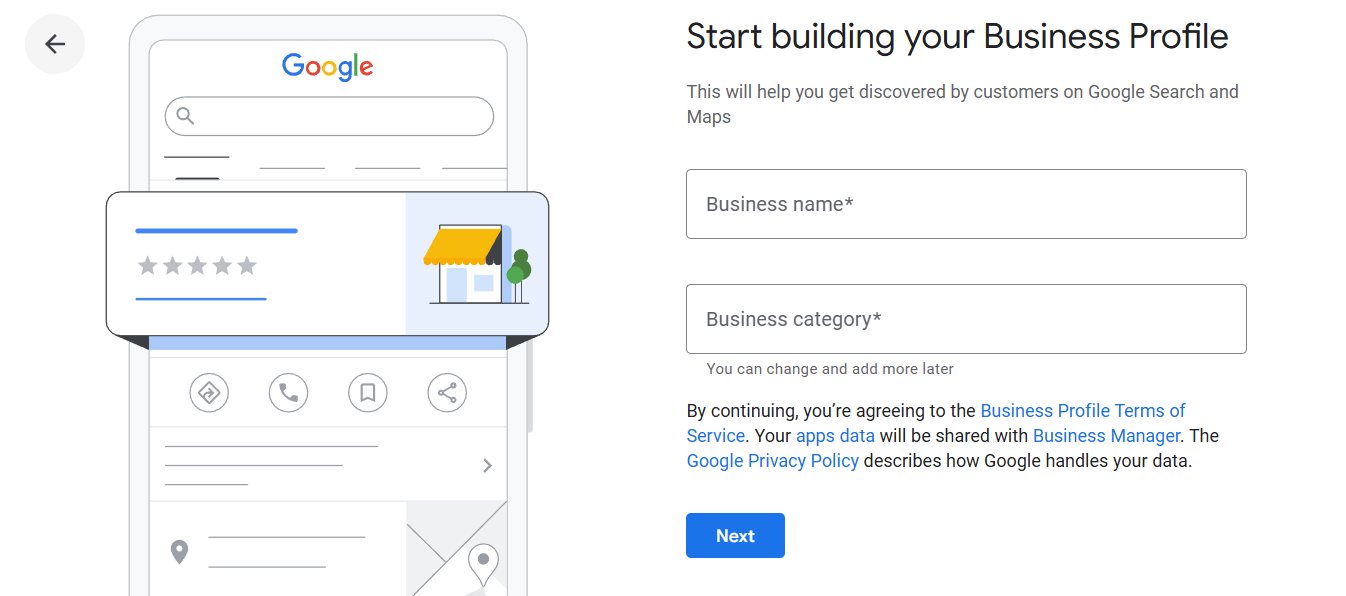
During google business video verification, Google reviews specific visual signals to confirm that the business information on the profile matches real-world evidence. The goal is to verify authenticity, location, and control.
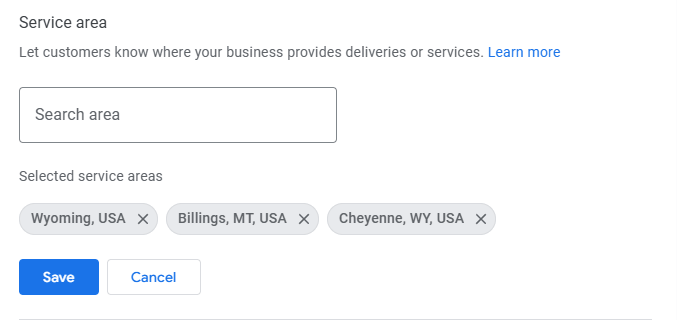
These GMB video verification steps explain how to complete the process correctly and improve your chances of approval on the first attempt.
To pass verification, your video must clearly show that the business is real, active, and under your control. Google reviews visual proof carefully, so focus on clarity rather than length.
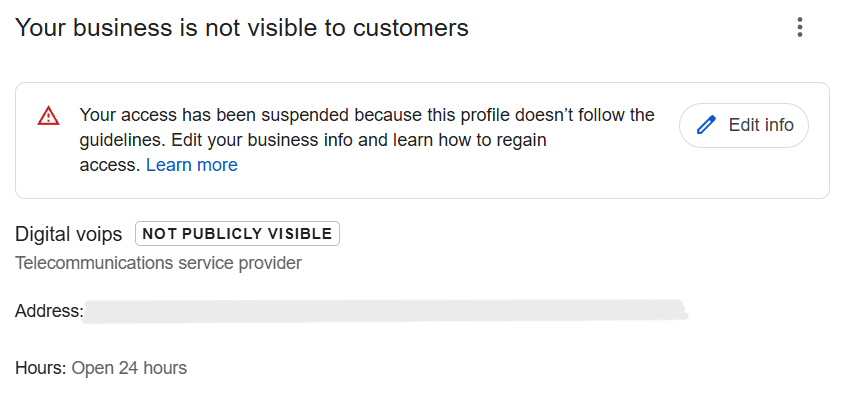
Many businesses fail video verification because of avoidable errors. Understanding these mistakes helps you prepare correctly and avoid repeated rejections.
Google Business video verification does not approve instantly, so setting the right expectations is important. Review times can vary based on business type and verification volume.
Typical review timelines range from a few days to about a week. In some cases, Google may take longer if additional checks are required or if the profile falls into a higher-risk category.
When a verification shows as pending, it means Google is reviewing the submitted video and comparing it with the business profile information. During this time, changes to the profile should be avoided, as they can reset or delay the review.
Delays indicate a problem when verification remains pending for an extended period or when Google requests another video submission. These situations often point to unclear footage, missing elements, or data mismatches that need correction before resubmitting.
A failed Google Business video verification does not mean the profile is permanently blocked. In most cases, the issue can be fixed by addressing the specific problem and resubmitting correctly.
Start by reviewing the rejection reason shown in the Google Business Profile. Google usually indicates whether the issue relates to missing elements, unclear footage, or profile inconsistencies.
Next, correct profile inconsistencies before trying again. Make sure the business name, address, category, and service details match what you plan to show in the video. Even small mismatches can cause another failure.
Then, re-record the video properly. Use a single, unedited recording and clearly show all required elements such as signage, location, and proof of access. Follow Google’s instructions exactly.
Finally, avoid repeated failed attempts. Submitting multiple incorrect videos can trigger further review or restrictions. If the issue is unclear, resolving it fully before resubmission improves approval chances.
DIY video verification often fails because small details get missed. Incorrect categories, unclear signage, or incomplete access proof can cause repeated rejections, even when the business is legitimate.
Professional setup services follow a structured approach before submission. They review profile details, confirm category accuracy, and guide exactly what to show in the video. This preparation reduces mistakes and increases approval chances on the first attempt.
Professional help also saves time when verification becomes complicated. Instead of trial-and-error submissions, businesses get a clear process that avoids delays, repeated reviews, and unnecessary restrictions.
Google Business Profile setup services are most helpful in situations where verification carries higher risk or complexity. Certain business types face stricter checks and benefit from expert handling.
Video verification is one step within the larger Google Business verification journey, not the final goal. Google uses different verification methods based on risk, business type, and profile history, and video verification is applied when stronger proof is required.
Once video verification is approved, the business moves forward in the overall verification process, unlocking full profile access and eligibility for visibility. From there, ongoing accuracy, optimization, and trust signals determine long-term performance.
It’s important to treat video verification as a checkpoint, not the finish line. Completing it successfully allows the business to progress to profile optimization, visibility improvements, and sustained local search growth.
Use this checklist to make sure your video is ready before submission and reduce the risk of rejection:
Google Business video verification works best when you prepare instead of relying on trial and error. Clear visuals, accurate profile details, and following Google’s instructions reduce the risk of rejection.
Correct setup before submission is essential. Making sure the business information matches what appears in the video helps Google confirm trust quickly and smoothly.
Video verification is not something to fear or guess through. With the right process and preparation, it becomes a manageable step toward full profile access and local visibility.