
Making safe Google Business edits matters more today because Google closely monitors profile changes. Even small updates can trigger reviews or restrictions if they appear suspicious or inconsistent.
Unsafe edits can trigger suspensions when Google detects patterns that do not match real-world business activity. Frequent changes, incorrect information, or keyword-heavy updates often raise red flags. Once a suspension happens, visibility drops immediately and recovery becomes more difficult.
Google treats profile changes as trust signals. Every edit helps Google decide whether a business is reliable and accurate. Profiles that update information carefully and consistently build trust, while profiles with repeated or conflicting edits lose credibility over time.
There is a clear difference between safe edits and risky edits. Safe edits reflect real changes such as updated hours, new photos, or corrected typos. Risky edits include frequent name changes, category shifts, or address updates without proof.
Understanding this difference helps businesses protect their profiles and maintain long-term stability instead of reacting to problems after they occur.
Google does not publish profile edits blindly. Every change goes through systems designed to protect users from inaccurate or misleading business information. Understanding this process helps explain why some edits trigger delays or suspensions.
Google uses AI-based checks to scan profile edits the moment they are submitted. These systems look for guideline violations, inconsistencies, and unusual behavior patterns. Even correct edits can trigger review if they resemble past abuse patterns.
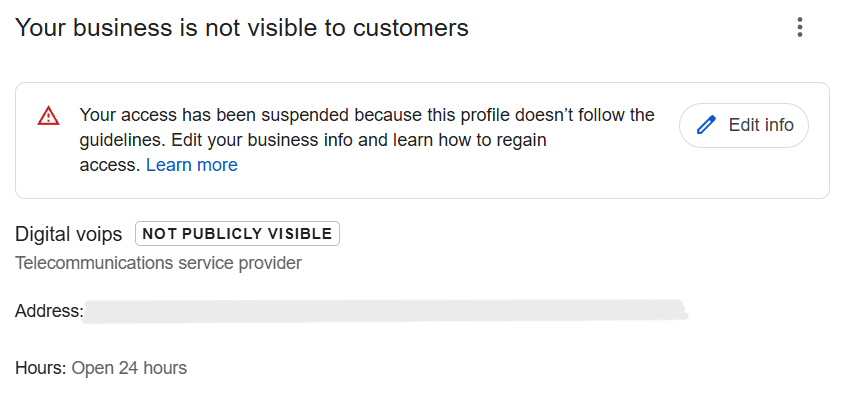
Google also relies on pattern-based suspensions. Repeated edits, frequent category changes, or sudden shifts in business information may signal risk. When these patterns appear, Google may delay updates, restrict editing, or suspend the profile for further review.
Some edits require manual review because of their impact on trust and visibility. Changes to the business name often receive extra attention to ensure they match real-world branding.
Address and category edits also trigger manual checks. These updates affect location accuracy and search relevance, so Google verifies them carefully. If supporting signals are unclear, the edit may be delayed or rejected.
Knowing how Google evaluates edits helps businesses avoid risky changes and submit updates that align with trust and verification standards.
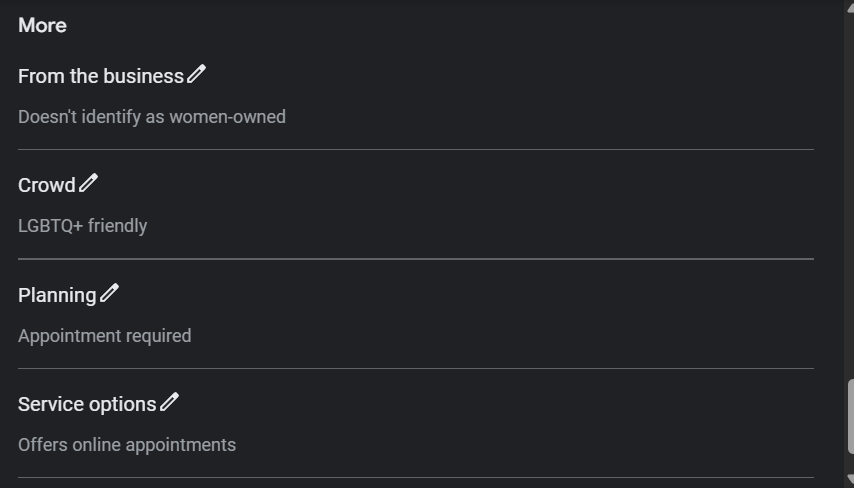
Knowing when it is safe to edit your Google Business Profile helps protect your listing from unnecessary reviews or suspensions. Safe Google Business edits are usually changes that reflect normal business activity and do not alter core identity signals.
These types of updates support accuracy and activity while keeping your profile stable. Making safe Google Business edits first helps maintain trust and reduces the chance of triggering review or suspension.
To avoid GMB suspension, it is important to understand which edits Google considers high risk. These changes often trigger manual reviews or automated restrictions.
Name keyword stuffing is one of the most common suspension triggers. Adding extra services, locations, or marketing terms to the business name violates Google’s guidelines. Even small additions can cause the profile to lose trust.
Address or service area changes also carry higher risk. Moving a location, switching from a physical address to a service area, or expanding coverage without proof often leads to verification issues. Google reviews these changes closely to prevent false listings.
Frequent ownership or category edits raise red flags as well. Changing owners, managers, or primary categories repeatedly signals instability. When these edits happen too often, Google may restrict editing or suspend the profile.
Understanding and avoiding these risky edits helps maintain profile stability and reduces the chance of suspension.
Following proven edit safety tips helps reduce the risk of suspension and keeps your Google Business Profile stable. Small habits make a big difference in how Google evaluates changes.
Applying these edit safety tips consistently helps protect your profile from unnecessary reviews, restrictions, or suspension.
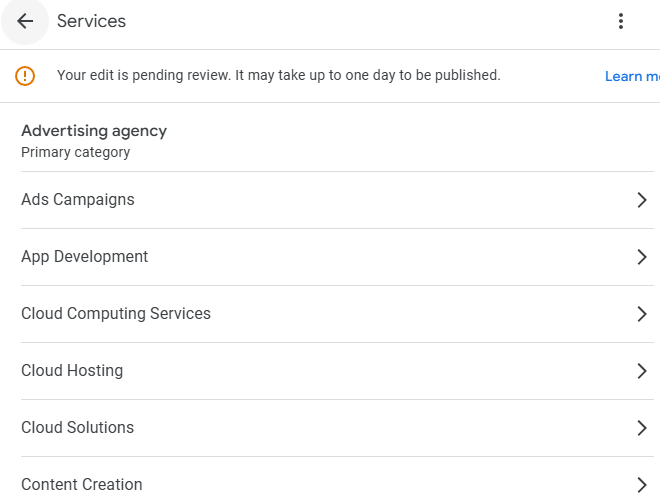
Understanding the difference between safe profile updates and risky changes helps prevent unnecessary suspensions. Low-risk edits usually involve routine maintenance, such as updating hours, adding photos, or correcting small errors. High-risk edits affect core identity signals like business name, address, category, or ownership.
Timing matters because Google evaluates how frequently and how suddenly changes occur. Even valid updates can become risky if they happen too often or too close together. Spacing edits allows Google’s systems to process changes without raising trust concerns.
Google’s approval behavior also varies by edit type. Safe updates often publish quickly with little review, while risky changes trigger deeper checks or manual verification. Knowing this difference helps businesses plan updates more carefully instead of reacting when approvals slow down.
Following a structured approach to safe profile updates protects profile trust and improves long-term stability.
Many listing problems happen not because of one bad edit, but because of over-editing. Making too many changes too often can confuse Google’s systems and reduce profile trust.
Repeated edits can cause trust loss when Google sees constant changes to key details like name, category, or address. Even accurate updates may appear unstable if they happen frequently. Over time, this can slow approvals, block edits, or increase suspension risk.
Conflicting information signals also create problems. When profile details change often or do not match the website, signage, or other listings, Google struggles to verify accuracy. This conflict can lead to delayed updates or hidden restrictions.
Consistency protects profiles by building trust over time. Stable business information, spaced-out updates, and aligned details across platforms help Google recognize the profile as reliable. Avoiding listing issues starts with treating edits as maintenance, not experimentation.
Maintaining consistency reduces friction, protects visibility, and keeps your Google Business Profile healthy long term.
Using a structured process helps ensure edits publish smoothly without triggering reviews or restrictions. Follow these steps to make safe Google Business edits with confidence.
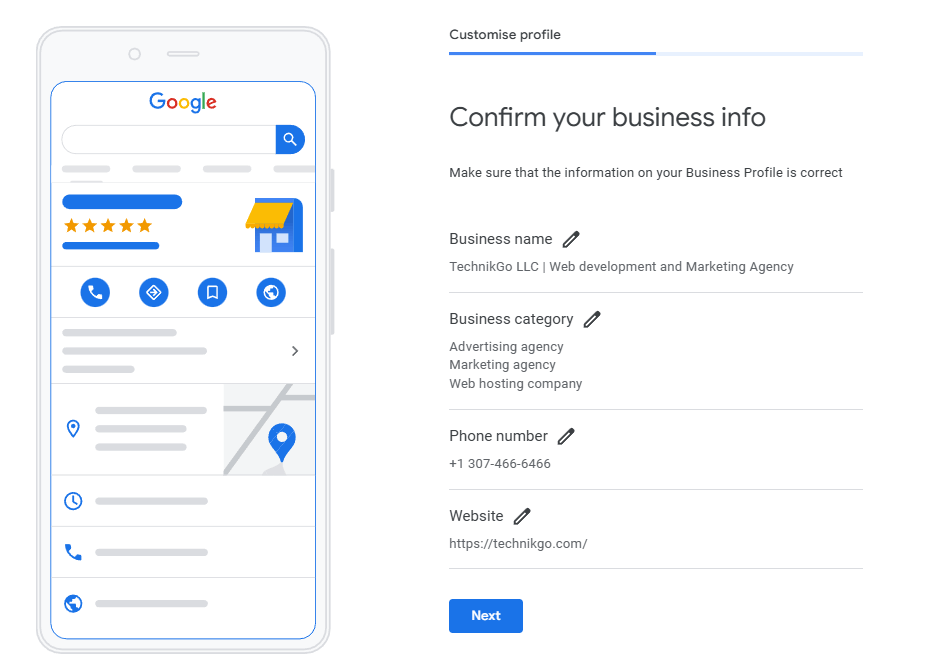
Start by reviewing your entire profile before making any changes. Check business name, address, categories, services, hours, and descriptions. Identify inconsistencies or outdated information that truly needs correction.

Not every detail needs editing. Focus only on updates that reflect real business changes or correct clear errors. Avoid making changes just to test visibility or rankings.
Submit one edit at a time and ensure the information is accurate. Changes should match your website, signage, and official records. Careful edits reduce review triggers.
After submitting an edit, wait for it to publish or get reviewed before making additional changes. Monitoring status prevents reset delays and keeps the profile stable.
Following this step-by-step process helps protect profile trust and minimizes the risk of suspension.
Editing risk often increases when changes happen without a clear structure. A proper optimization approach provides a planned editing strategy instead of reactive updates. This reduces unnecessary edits and helps Google process changes smoothly.
A structured optimization process ensures category and service alignment before any edits are made. When categories, services, and descriptions already match real business operations, fewer corrective edits are needed. This lowers the chance of triggering reviews or suspensions.
Optimization also helps prevent risky manual changes. Instead of making frequent adjustments directly in the profile, businesses follow a guided process that prioritizes accuracy and timing. This minimizes trial-and-error editing that can harm profile trust.
This is where a professional google business profile optimization service becomes valuable. It focuses on long-term profile stability by managing edits carefully, aligning all profile elements, and reducing the need for high-risk changes.
A well-optimized profile requires fewer edits, publishes updates faster, and remains stable over time.
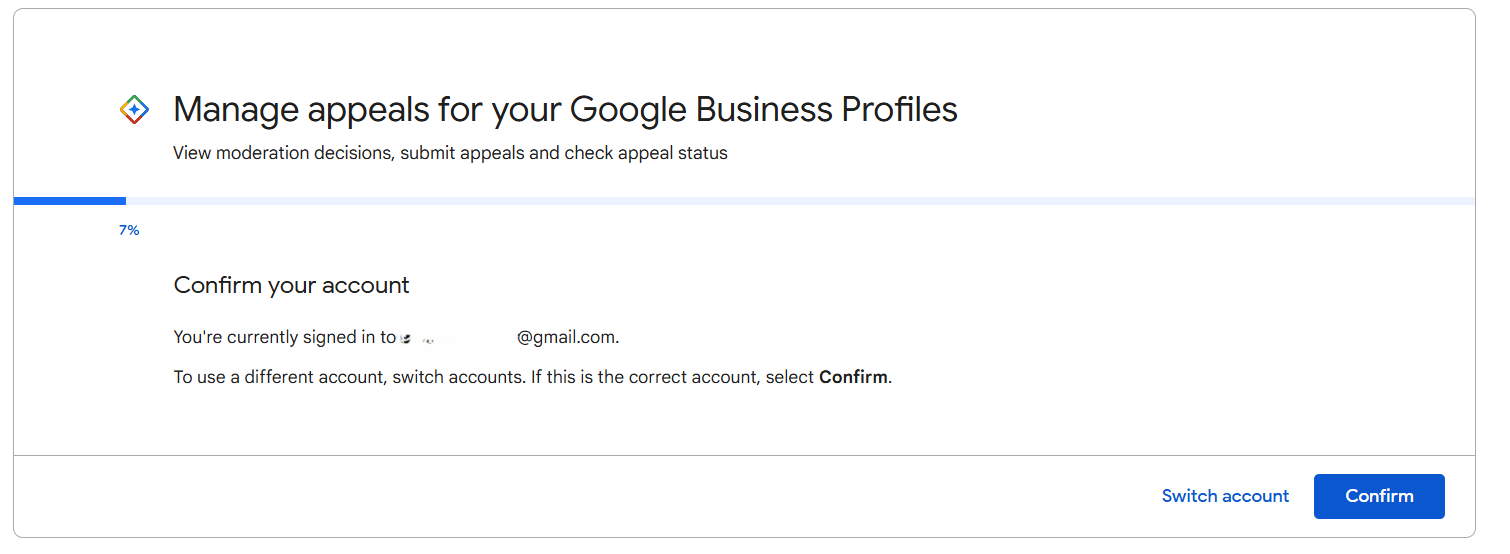
In some cases, even well-intended edits can lead to suspension. Understanding the early signs and responding correctly helps prevent long-term damage.
Early suspension warning signs often appear before a full suspension. These include repeated edit rejections, updates reverting automatically, sudden visibility drops, or temporary restrictions on editing. Ignoring these signals can increase risk.
Knowing what not to do after suspension is just as important. Avoid creating new listings, making repeated appeals, or changing profile information again. These actions can delay reinstatement or worsen the situation by creating conflicting signals.
This is why professional reinstatement matters. A structured google business profile reinstatement service focuses on identifying the exact suspension cause, preparing compliant documentation, and submitting accurate appeals. This approach improves reinstatement success and protects the profile from repeated issues.
Handling suspension carefully ensures faster recovery and restores long-term profile trust instead of triggering ongoing restrictions.
Managing profile edits becomes more complex as a business grows or operates across multiple locations. When edits happen at scale, maintaining accuracy, timing, and consistency is difficult without a structured system. This is where professional optimization support helps reduce risk and prevent unnecessary profile issues.
If edits lead to restrictions or suspension, handling the situation safely is critical. Making the wrong changes or submitting repeated appeals can delay recovery. In these cases, a dedicated reinstatement approach focuses on compliance, documentation, and correct communication with Google.
Using a google business profile optimization service helps maintain long-term stability by managing updates strategically and minimizing risky manual edits. When suspensions occur, a google business profile reinstatement service becomes essential to restore access safely and protect future visibility.
Both services support profile trust, reduce disruption, and help businesses maintain consistent performance over time instead of reacting to problems after they happen.
Use this checklist before and after making changes to protect your profile and reduce suspension risk.
Following this checklist helps maintain profile trust and ensures edits remain safe and effective.
Editing your Google Business Profile works best when safety comes before speed. Quick or frequent changes may seem helpful, but they often create risk instead of results. Careful updates protect visibility and reduce unnecessary reviews or suspensions.
Strategic updates matter more than constant edits. Focusing on accuracy, timing, and guideline compliance helps Google process changes smoothly and keeps your profile stable. Planned updates also reduce the need for corrective edits later.
Profile trust is a long-term asset. A stable, accurate profile builds credibility with Google and customers over time. Treating edits as maintenance rather than experimentation helps maintain that trust and supports consistent local visibility.
By editing carefully and strategically, businesses protect their profiles and create a stronger foundation for long-term growth.