
Google Business Profile errors signal problems that affect how Google understands and displays your business. These issues are not always obvious, but they can quietly reduce visibility and trust if left unresolved.
There is an important difference between errors and warnings. Errors usually indicate serious problems, such as incorrect business information or guideline violations, that require immediate action. Warnings are less severe but still point to incomplete or inconsistent details that can limit performance.
Errors affect visibility and trust in several ways. When Google detects incorrect or conflicting information, it becomes less confident about showing the profile in Search and Maps. This can lead to fewer impressions, lower rankings, or reduced exposure to potential customers.
Some errors are silent but harmful. These issues do not trigger clear notifications, but they weaken relevance signals over time. Examples include outdated categories, incomplete services, or mismatched details across profile sections. Because they go unnoticed, silent errors often cause gradual visibility drops rather than sudden changes.
Understanding what Google Business Profile errors really mean helps businesses take corrective action early and protect long-term profile performance.
Many Google Business Profile errors happen because profiles are set up once and then ignored. Over time, small mistakes turn into larger visibility and trust problems.
Business information errors are among the most common and most damaging issues.
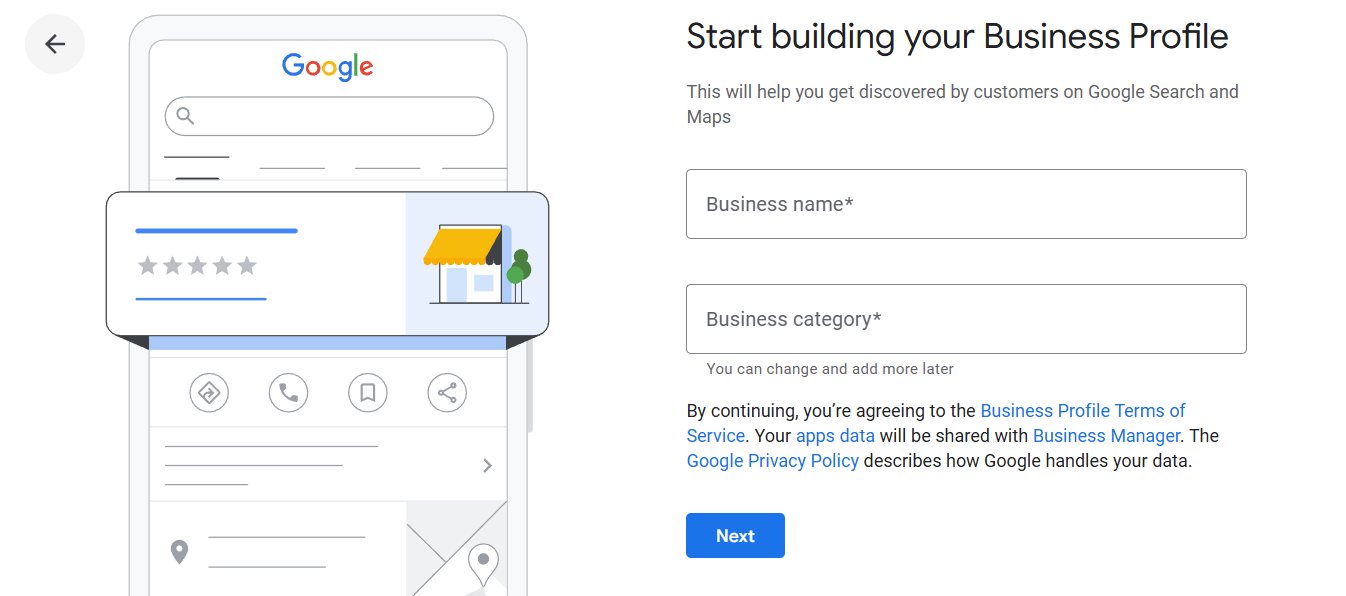
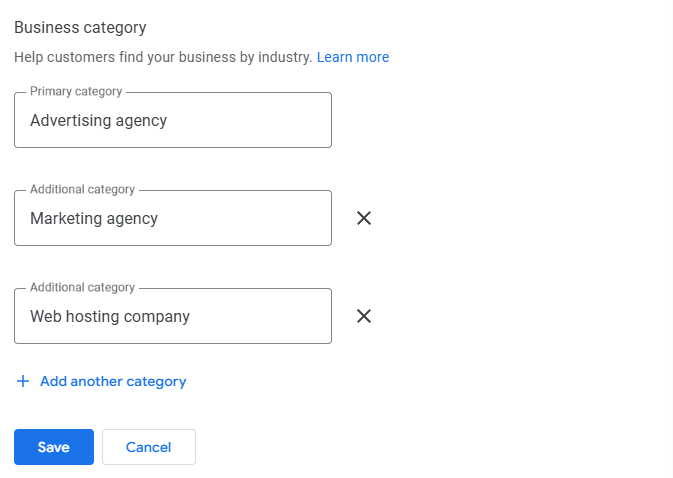
Category and service setup plays a major role in relevance, and mistakes here directly affect impressions.
Correcting these common errors helps improve clarity, relevance, and overall profile performance.
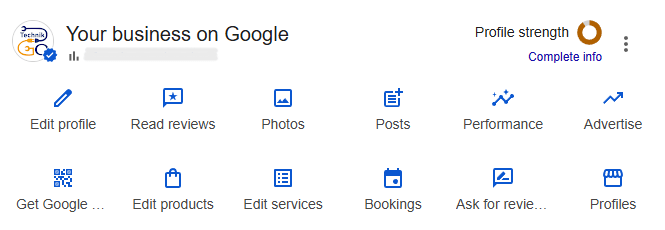
Many common GMB problems reduce visibility without triggering clear warnings. These issues often develop over time and quietly limit how often a profile appears in Search and Maps.
Incomplete profiles are a frequent issue. Missing services, attributes, descriptions, or photos leave gaps in information. When Google cannot fully understand what a business offers, it reduces the chances of matching the profile with relevant searches.
Outdated business details also harm visibility. Old hours, incorrect service areas, or expired information weaken trust signals. Even small inconsistencies can make Google less confident about showing the profile to users.
Weak engagement signals further reduce exposure. Profiles with few reviews, no responses, limited photo updates, or no posts appear inactive. Low engagement suggests reduced relevance, which can push the profile below more active competitors.
Addressing these common GMB problems helps restore clarity, improve relevance, and support steady visibility over time.
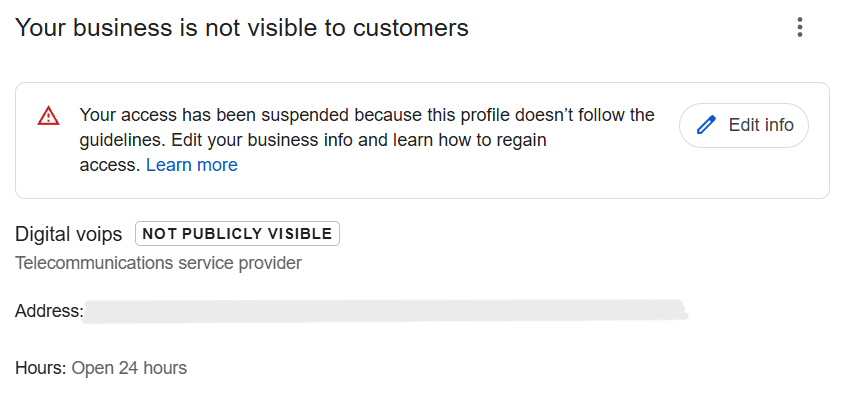
Some GMB issues go beyond visibility problems and can trigger restrictions or suspensions if left unresolved. These issues often relate to trust, consistency, and guideline compliance.
Understanding these GMB issues helps businesses avoid actions that put profile stability and visibility at risk.
Profile errors directly weaken the signals Google uses to decide when and where to show a business. When details are inaccurate, incomplete, or inconsistent, Google struggles to understand what the business offers and who it is relevant for. These errors quietly reduce relevance signals across Search and Maps.
There is a clear connection between errors and impressions. Incorrect categories, missing services, or outdated information limit keyword matching. As a result, the profile appears less often in discovery searches, which are a major source of visibility. Over time, these low visibility causes compound and push the profile behind better-optimized competitors.
Visibility usually drops before actions such as calls or website clicks decline. Fewer impressions mean fewer chances for users to interact with the profile. Because this decline happens gradually, many businesses do not notice the impact until leads decrease.
Fixing profile errors early helps restore relevance, improve impressions, and prevent long-term visibility loss.
Fixing Google Business Profile errors works best when done in a structured order. Following a step-by-step process helps avoid new issues while correcting existing ones.
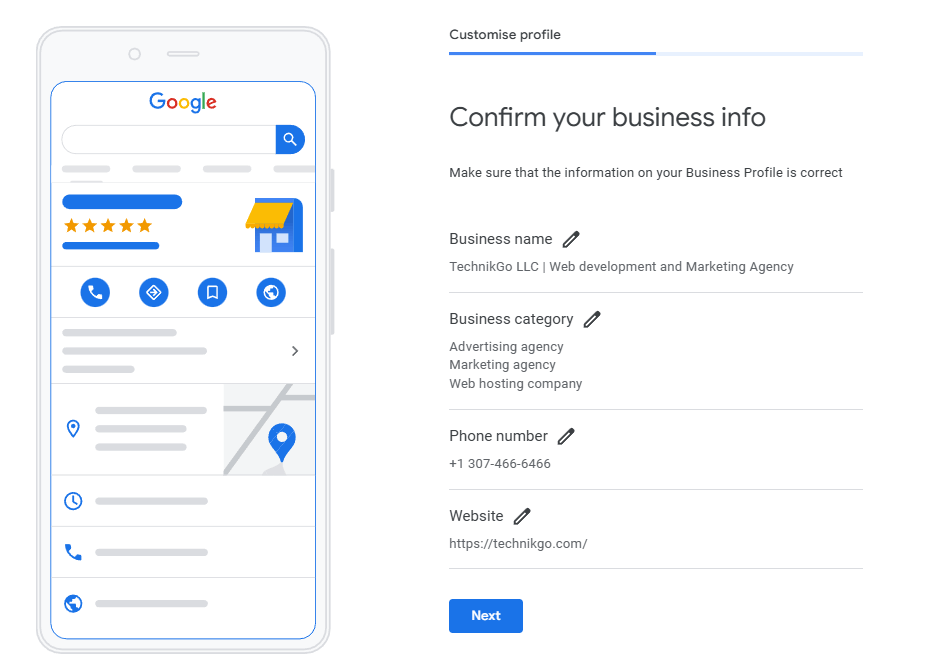
Start by reviewing all profile details, including business name, address, phone number, hours, and service areas. Check for inconsistencies, outdated information, or guideline violations. An audit helps identify both visible and silent errors.
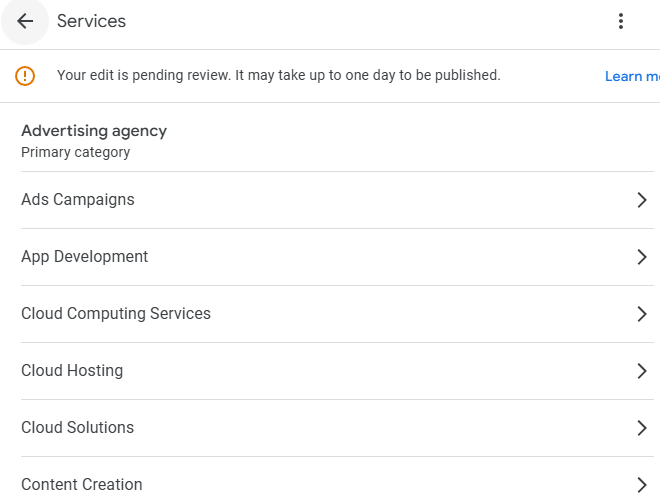
Confirm that the primary category accurately reflects your main business offering. Review secondary categories and listed services to ensure they are relevant and current. Remove any services you no longer provide or that do not align with your business.
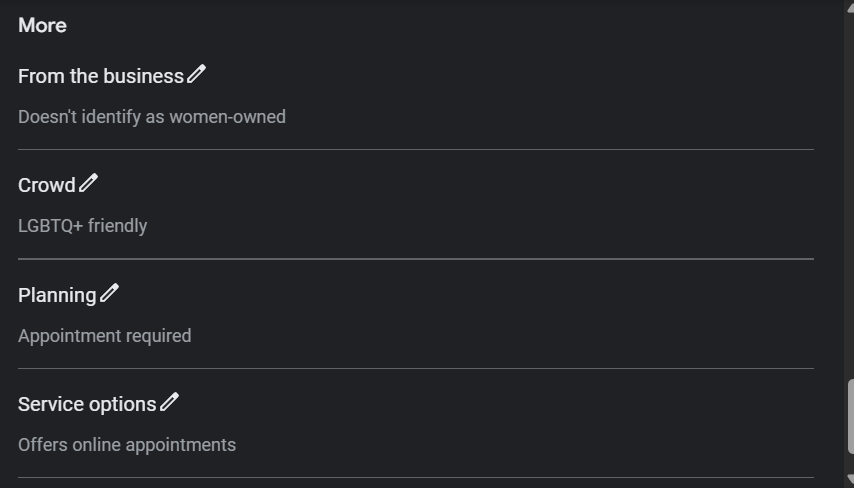
Update attributes to reflect real business features and operations. Review business and service descriptions for clarity and accuracy. Avoid keyword stuffing and focus on explaining what the business offers in simple language.
Ensure consistency across all profile sections. Business details, services, attributes, and descriptions should align with each other. Consistent information improves trust signals and helps Google process updates more smoothly.
Following this step-by-step process helps fix errors safely and supports long-term profile stability.
After fixing Google Business Profile errors, changes do not always appear immediately. Google needs time to index and process updates, especially when edits affect core information such as categories, business name, or services. Processing time can range from a few days to several weeks, depending on the type and volume of changes.
In some cases, businesses may notice temporary drops after changes. This happens when Google re-evaluates the profile following updates. Temporary fluctuations are normal and do not always indicate a problem. Making additional changes during this period can slow processing or create new issues.
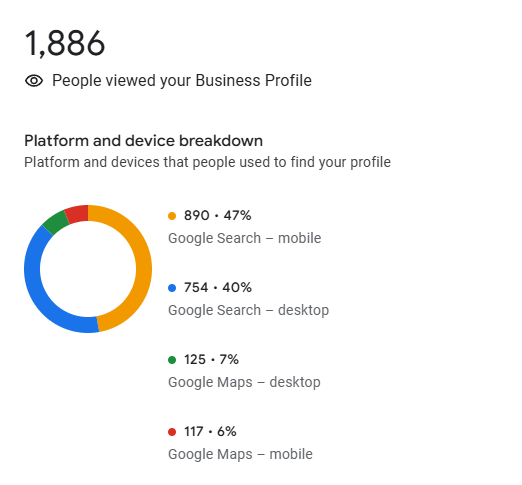
It is important to focus on what improvements to monitor instead of expecting instant results. Track profile views, impressions, discovery searches, and engagement trends over time. Gradual improvements usually signal that Google has accepted and applied the corrections.
Patience and monitoring are key. Allow changes to settle before making further edits, and evaluate progress based on trends rather than short-term movement.
Fixing profile problems requires care and patience. Certain mistakes can create new issues or slow down recovery if not avoided.
Making too many edits at once is a common problem. Large batches of changes can confuse Google’s systems and delay processing. Frequent edits may also trigger additional checks or temporary visibility drops.
Guessing instead of auditing often leads to incorrect fixes. Making changes without understanding the root cause can worsen existing problems or introduce new errors. A proper audit helps ensure that each correction addresses a real issue.
Ignoring Google guidelines increases the risk of restrictions or suspensions. Practices such as keyword stuffing, misrepresenting services, or adding inaccurate information may seem helpful but can cause long-term harm. Always align changes with Google’s official guidelines.
Avoiding these mistakes helps ensure that fixes are applied safely and that profile stability improves over time.
Some profile errors are not easy to identify from the dashboard. Hidden profile errors such as trust issues, partial restrictions, or silent guideline conflicts can reduce visibility without clear warnings. Diagnosing these problems requires deeper analysis beyond basic edits.
When errors repeat or visibility does not recover, businesses may face restrictions or ongoing issues that are difficult to resolve alone. Repeated fixes without clear results often indicate underlying compliance or system-related problems that need expert attention.
This is where a professional google business profile support service becomes useful. A support service can perform detailed audits, identify hidden errors, communicate with Google when needed, and guide proper resolution steps. This structured approach helps restore profile stability and prevents recurring issues.
Using a support service makes sense when profile errors persist, visibility continues to decline, or manual fixes no longer produce results.
Use this checklist to confirm that your profile corrections are complete and properly maintained. Regular checks help prevent errors from returning and support stable performance.
Following this checklist helps maintain accuracy, trust, and long-term profile stability.
Preventing errors is more effective than fixing them after they cause damage. Once visibility drops or restrictions appear, recovery often takes time and effort. A prevention-first approach protects profile stability and reduces long-term risk.
Regular profile audits play a key role in prevention. Reviewing business information, categories, services, and engagement activity helps catch small issues before they become serious problems. Consistent monitoring keeps the profile aligned with Google’s guidelines and system expectations.
Profile accuracy should be treated as a long-term asset. A well-maintained Google Business Profile builds trust, supports visibility, and performs more reliably over time. When prevention becomes part of routine management, businesses avoid disruptions and maintain steady local search performance.