

Many beginners create a Google Business Profile, fill in the basic details, and assume the work is done. That is setup, not optimization. Optimization is what happens after the profile goes live, and it plays a big role in how often your business appears and how much trust it earns.
A Google Business Profile needs ongoing care to perform well. Small issues like incorrect hours, unclear categories, or missing updates can quietly limit visibility without any clear warning. Google pays close attention to accuracy, relevance, and real activity when deciding which businesses to show.
The good news is that optimization does not require technical SEO skills or complicated tools. This google business optimization guide breaks the process down into simple steps that focus on fundamentals. Everything is explained in plain language so business owners and marketers can make steady improvements that support long-term visibility and trust.
For beginners, Google Business optimization starts with understanding that creating a profile and optimizing it are not the same thing. Creating a profile means entering your basic business details so you can appear on Google. Optimization is the ongoing process of keeping that profile accurate, useful, and relevant for real customers.
Optimization is not about making constant changes or chasing small ranking boosts. It is about quality. Google looks for clear information, consistent details, and signs that a business is active and legitimate. Frequent, unnecessary edits can do more harm than good.
Google evaluates local business profiles by checking accuracy, relevance to search queries, and real-world activity such as reviews, photos, and engagement. Beginners should focus first on getting the basics right, keeping information up to date, and making the profile easy for customers to understand and trust.
Before trying to optimize anything else, beginners should focus on getting the fundamentals right. Accurate information and correct categorization form the base of a healthy Google Business Profile.
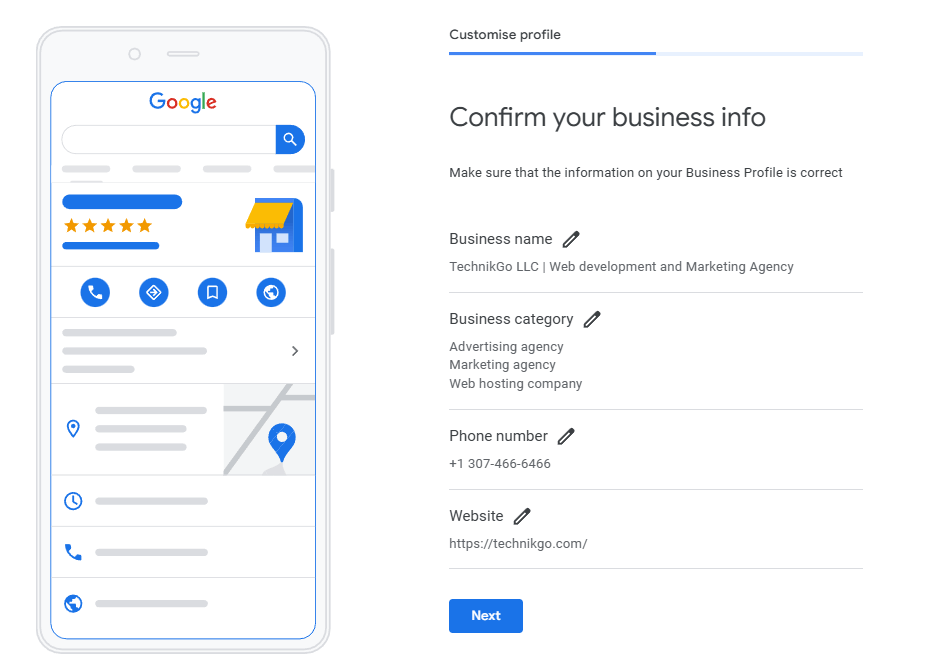
Google verifies business data to protect users from misleading or inaccurate listings. It cross-checks your profile with your website, maps data, local directories, and user reports. When everything matches, Google trusts the listing more.
Your business name, address, phone number, hours, and website must be accurate and consistent everywhere they appear. Even small inconsistencies, such as different phone numbers or outdated hours, can confuse customers and reduce confidence. These issues also affect how often Google is willing to show the profile.
Accuracy protects long-term performance. Profiles that stay consistent over time are more stable and less likely to lose visibility during updates.
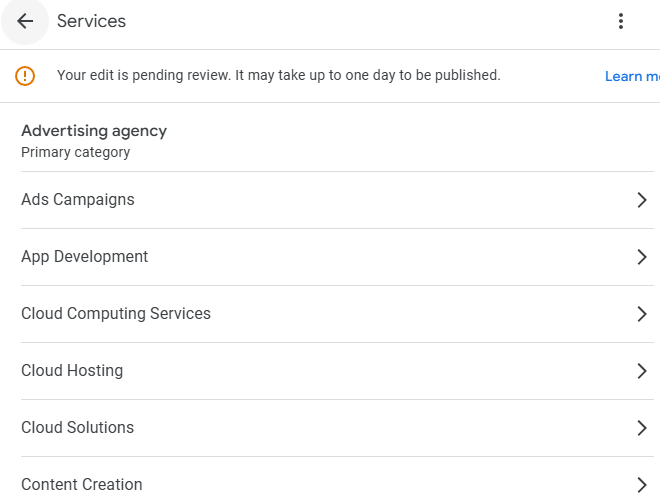
The primary category defines what your business is most relevant for in search results. It tells Google which types of searches your profile should appear in. Choosing a broad or incorrect category often leads to poor visibility.
Secondary categories help support your main service but cannot replace the primary one. Beginners often make mistakes by adding too many categories or copying competitors without understanding their own business focus.
Category updates are helpful when services change or the original selection was wrong. Frequent or unnecessary changes can hurt stability.
Once the basics are in place, beginners can start optimizing their Google listing in simple, practical ways. The goal is to make the profile easy to understand for customers and clear for Google.
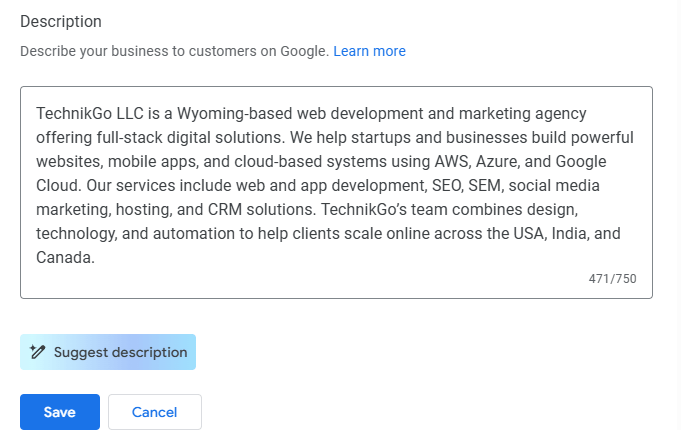
Your business description should explain what you do in plain language. Focus on your main services, who you help, and where you operate. Avoid keyword stuffing or sales-heavy language. Users want clarity, not marketing claims.
Google uses the description to understand context, but customers decide whether to contact you. What users care about is whether your business solves their problem. When the description is clear and honest, engagement improves naturally. People are more likely to call, visit your website, or request directions when they understand your offering quickly.
List services and products using terms your customers actually use. Avoid copying competitor lists, as this often leads to irrelevant or confusing entries. Each service should reflect what you truly offer.
Attributes help support relevance by highlighting features such as service options or accessibility. Use only attributes that apply to your business.
Fewer, accurate entries work better than long lists. A focused profile builds trust and helps Google match your business to the right searches.
Engagement signals show Google and potential customers that a business is active and trustworthy. Beginners often overlook these signals, even though they play an important role in visibility and decision-making.
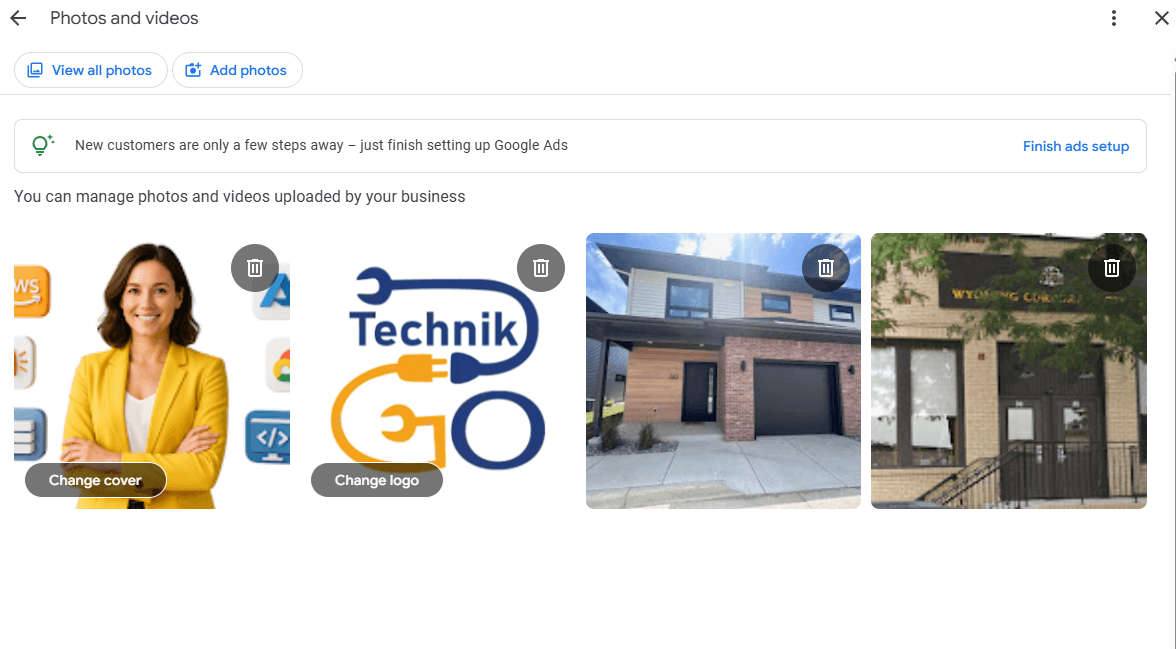
Real photos perform better than stock images because they show the actual business. Customers want to see the location, team, work, or products before they visit or call. Authentic photos reduce uncertainty and build confidence.
Photos that help most include storefront or office images, interior spaces, team members, work in progress, and completed work. These visuals help customers understand what to expect.
Freshness signals activity. Recently added photos tell Google and users that the business is current. Beginners can update photos easily using a phone. Regular, simple uploads work better than rare, polished photo sessions.
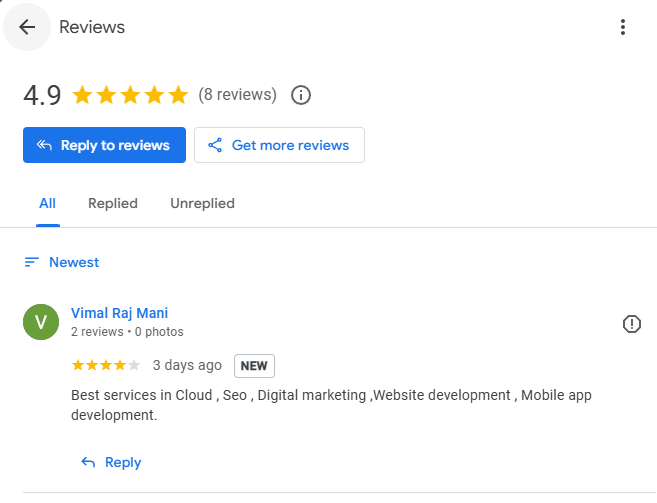
Reviews build trust when they appear steadily over time. A consistent flow of reviews looks more natural and reliable than sudden spikes.
Responding to reviews is just as important as receiving them. Thoughtful, respectful replies show that the business values feedback. This applies to both positive and negative reviews.
The right tone is calm and professional. Beginners should avoid arguing, copy-paste responses, or asking for reviews in a pushy way. These mistakes can damage trust and credibility.
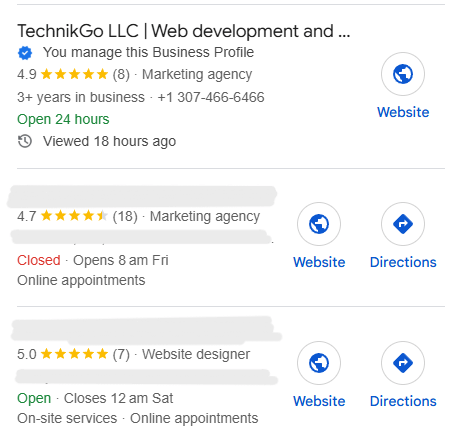
Google uses a few core signals to decide which businesses appear in local search and Maps results. For beginners, the most important ones to understand are relevance, distance, and activity.
Relevance is about how closely your business matches what someone is searching for. This depends on accurate categories, clear descriptions, services, and overall profile completeness. Distance refers to how close your business is to the searcher or the area being searched. While distance matters, it does not guarantee visibility on its own.
Activity and profile health often make the difference. Businesses that keep their profiles updated, add photos, respond to reviews, and stay consistent send stronger trust signals. Google prefers listings that show real, ongoing operation.
Slow, steady optimization works best. Frequent or aggressive changes can create instability. Consistent, thoughtful updates support long-term visibility and reliable performance.
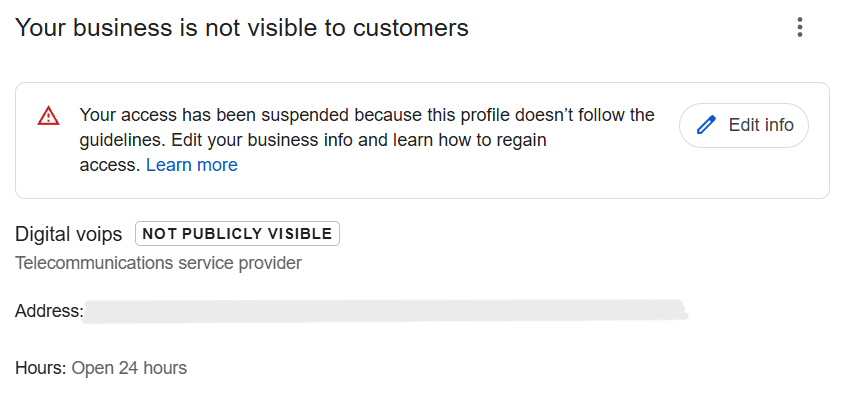
Many beginners hurt their Google Business Profile without realizing it. Most problems come from trying to move too fast or copying tactics without understanding how they work.
Keyword stuffing the business name is one of the most common mistakes. Adding extra words may seem helpful, but it often leads to ranking drops or profile suspensions. Google expects the business name to match real-world branding exactly.
Over-editing important fields such as the business name, address, categories, or service areas can also cause issues. Constant changes make the profile look unstable and may trigger extra checks by Google.
Using automation without understanding the risks is another problem. Auto-posting, fake engagement, or bulk actions can damage trust signals.
Copying competitors instead of understanding search intent rarely works. Shortcuts may show short-term gains but often cause bigger problems later.
A beginner guide helps build a strong foundation, but there comes a point where basic improvements stop delivering results. The profile may be accurate, categories may be correct, and engagement may be steady, yet visibility or enquiries do not improve as expected. This usually means the issue is deeper than surface-level setup.
Problems like category conflicts, suppressed fields, relevance gaps, or historical data inconsistencies can quietly limit performance. These are not always obvious and often require experience to identify and resolve without causing new issues.
For businesses that want more structured help after learning the basics, working with a professional Google Business Profile Optimization Service can help fix deeper issues safely.
At this stage, the goal is no longer learning the basics but removing barriers that prevent a profile from performing at its full potential.
Beginners do not need to manage their Google Business Profile every day. A simple review schedule helps keep the profile healthy without creating unnecessary changes.
Once a month, review new customer reviews and respond to them in a polite and professional tone. This shows customers and Google that the business is active and attentive.
Add a few recent photos if available. These can be simple phone photos of your location, team, or recent work. Also check business hours, holiday schedules, and any announcements to make sure the information is still correct.
These small updates keep the profile fresh and trustworthy.
Every few months, review your business categories to ensure they still reflect your main services. Only make changes if something is inaccurate or outdated.
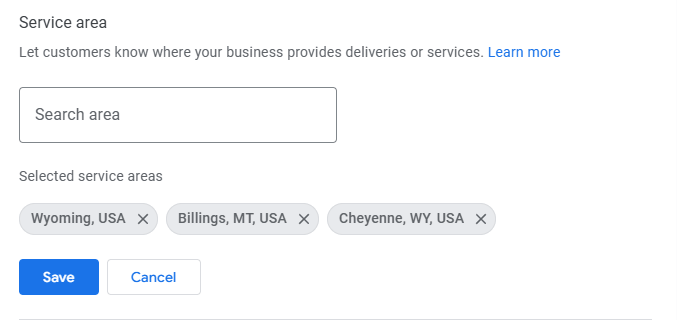
Update the address, service area, or contact details if the business moves or expands. Major business changes, new offerings, or service expansions should be reflected carefully to maintain consistency and trust.
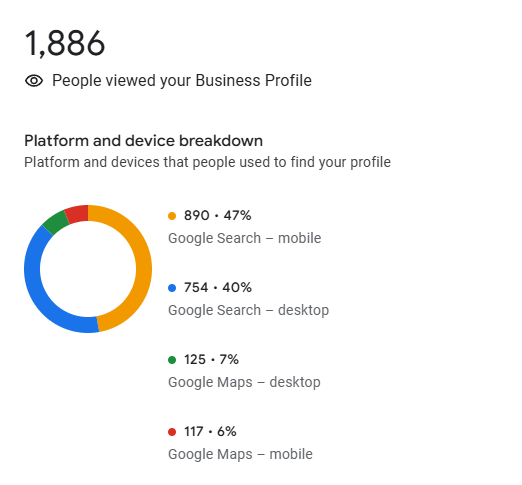
For beginners, success should be measured by real customer actions, not just visibility numbers. Calls, messages, website visits, and direction requests show whether the Google Business Profile is helping people take the next step.
Impressions can be misleading. A profile may appear often in search results but still fail to generate enquiries if the information is unclear or untrustworthy. Looking only at impressions can hide problems that affect conversions.
Track progress over weeks and months instead of reacting to daily changes. Small fluctuations are normal. What matters is steady improvement over time.
Consistency compounds results. Profiles that stay accurate, relevant, and active tend to grow gradually and maintain visibility without sudden drops.
Google Business optimization is about trust, not tricks. Accuracy, relevance, and steady activity matter more than speed. Beginners can see meaningful results by focusing on simple actions done consistently. A healthy profile supports growth without risk and holds up through changes and updates.
Take time to review your Google Business Profile step by step using this guide as a practical checklist.